
Linux is an incredibly powerful and versatile open-source operating system that can be used for a variety of purposes. From running web servers to hosting websites, Linux has something to offer everyone as long as you are willing to learn a new program. This guide will discuss the different elements of Linux, including its terminal, different distributions available, and some of the benefits and drawbacks associated with it. Whether you are looking to get started with or just wanting to learn more about it, this guide will provide you with the necessary resources. So let’s get started!
What is Linux?
Linux is an open source operating system, which means that its source code is available for anyone to view and modify. It is similar to other operating systems you may well know of, such as Microsoft Windows, macOS, and iOS. However, Linux is known for being both free to use and for being an open-source software. (Keep in mind that not all Linux operating systems are free but a mass majority of them are. Linux is used on many different types of devices, from personal computers and servers to smartphones, tablets, and more.
Linux Operating System are broken down into thousands of different operating systems such as: Arch Linux, Red Hat, Ubuntu, Mint and many many more.
Each Linux OS has its own advantages and disadvantages.
- Ubuntu and Mint are both regarded as simple and easy to use. These two Linux Operating Systems are perfect for those who are new to Linux. Most of my articles will be geared towards Ubuntu as it the Linux OS that I use daily.
- Arch Linux is complicated and difficult for beginners so it is not recommend for those who are new to Linux but is one of the most flexible Linux operating systems.
- Red Hat is geared towards Data-servers and system security. They have a free trial and after the trial they require payment.
Terminal
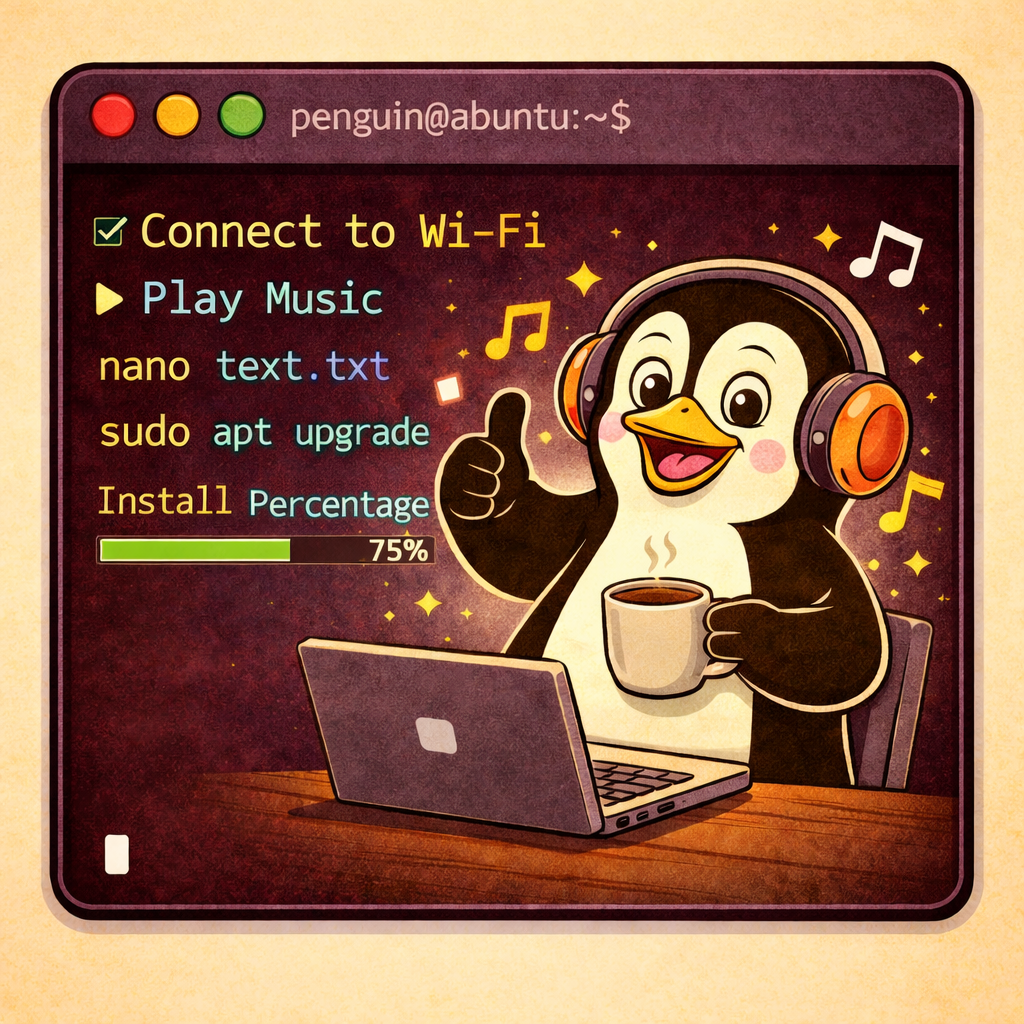
The Linux terminal is part of what makes Linux so powerful. Terminal is a tool that gives users complete control over their operating system from a CLI (Command Line Interface). A CLI give the ability to control a computer via text input. Unlike the graphical user interface (GUI), which presents a graphical representation of the file system, the terminal allows users to interact with their operating system directly, without any visual aids.
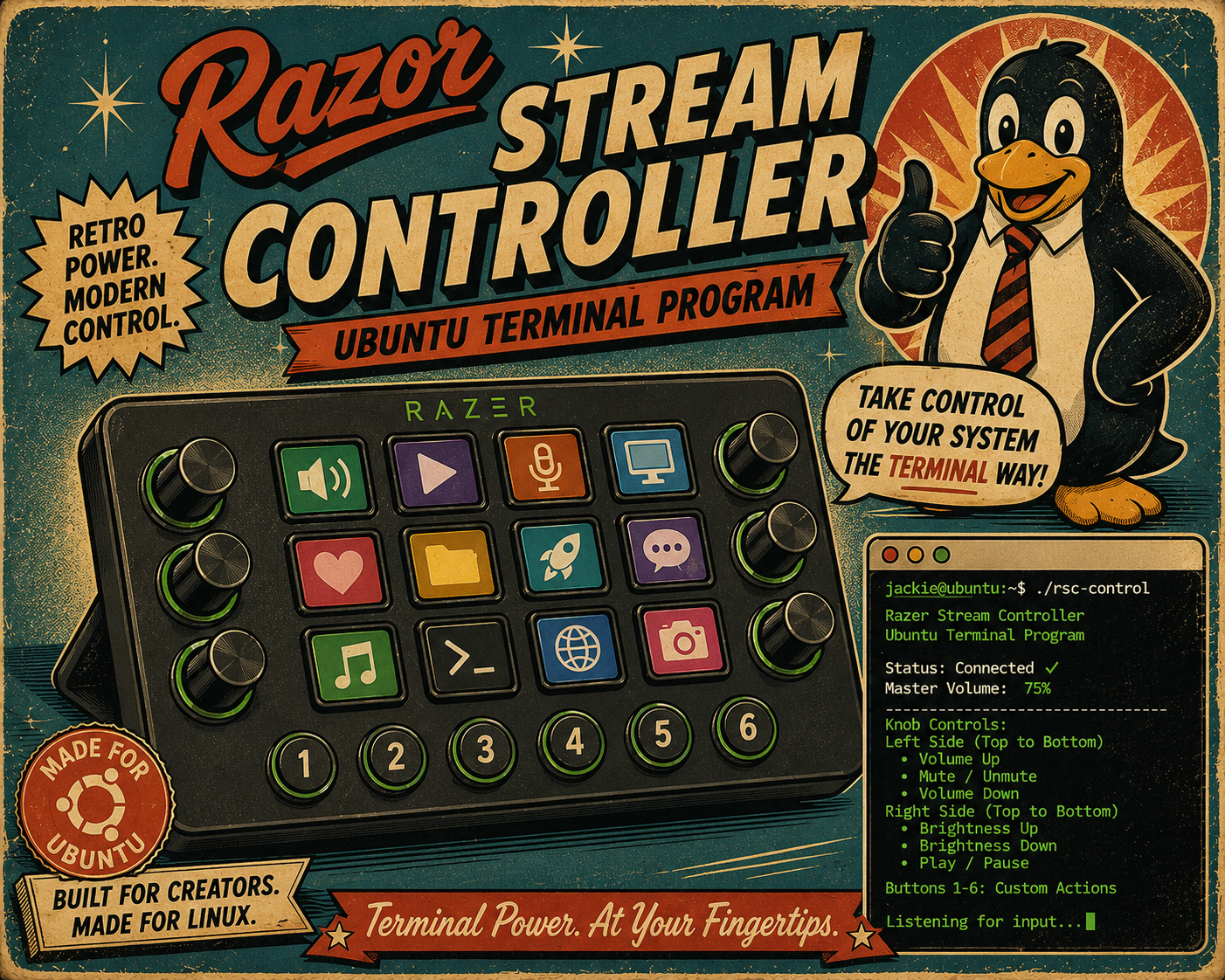
One of the biggest benefits of using the terminal is that it can be used to make changes and/or run programs on a computer and use very little resources when compared to using the GUI. This is because the computer has less to process as the a GUI takes more resources to run than simply displaying text. That being said there is a long list of Terminal Specific Programs that allow Linux users to run programs completely from the Terminal. Some common Terminal Specific Programs would include things from calculators, Calendars, text editors, Email, access to website only in text format with zero graphics, to more complex Terminal Specific Programs such as SSH, SFTP, adding new networking abilities and more.
Some features of using terminal include: automating tasks such as auto-syncing, auto-reboot and more. It can also be used to run programs and commands such as, TOP (A CLI Task Manager), VIM (A CLI text editor) and more.
Linux Distributions
A Linux distribution is a collection of software, typically open source, that can be installed and used on a computer running the Linux operating system. There are many different distributions available, each with its own unique set of features, applications, and tools. Some of the most popular distributions include Ubuntu, Debian, Fedora, and Red Hat Enterprise Linux.
Ubuntu
Ubuntu is one Distribution of Linux that is a great choice for operating systems because it is beginner friendly and is great for those just getting started with Linux. With Ubuntu, anyone can easily get started — without having to worry about many commands line work like many of the more complicated Distributions of Linux (Such as Arch Linux.)
Benefits to Linux
Each Linux Distribution has their own benefits to include:
1. Linux is free and open source software (FOSS). This means that anyone can download, use, and modify the software without having to pay for it. There are some versions of Linux that do charge for their software but there are more free versions that pay.
2. Linux is very stable and is less likely to crash than Windows computers. This is in part because most Linux Distributions are light and do not have as many operations running in the background as the Windows Operating System does.
3. Most external devices will function to some degree straight out of the box. This includes Printers, Digital Art Monitors, Bluetooth receives and more.
4. Linux is designed to be light-weight and requires less resources to run when compared to Windows. This makes Linux more energy efficient and quicker than the Windows operating system while using the same hardware.
5. There are many distributions of Linux so you can choose the version that best fits your needs. You can try Linux without installing the operating system onto your computer via a live CD or live USB.
6. Linux is very customizable. Anybody is able to make any type of changes to their system. However, this does make the system more complex than others. But, once you spend time with Linux then I bet you will come to like it more than Windows.
Disadvantages for Linux
There are a few potential disadvantages to using Linux, depending on your needs and preferences. Some of these include:
1. Limited software availability – While there is a growing number of quality software programs available for Linux, it still lags behind Windows and macOS in terms of overall selection. This can be a problem if you need specific software for work, or play, that isn’t available on Linux.
2. Lack of support from certain hardware manufacturers – Some manufacturers, particularly in the gaming industry, do not release Linux-compatible drivers for their products. This can make it difficult or impossible to use certain types of hardware with a Linux system. But this is where ‘Dual-Booting’ is a handy skill to have.
3. Complexity – If switching for the first time to a Linux Distribution then I would suggest starting with Ubuntu. This is because many of the other Distributions can be extremely complicated and even though Ubuntu is easy to get started with even it has some learning curves if you are not familiar with computers.
4. Security risks – While Linux is generally considered to be a very secure platform, it is still vulnerable to certain types of attacks. This is because Linux is open source, which means that anyone can view and modify the code. This can lead to potential security holes that malicious actors can exploit.
Overall, Linux is a great option for many users. However, it’s important to be aware of the potential disadvantages before making the switch from another operating system.