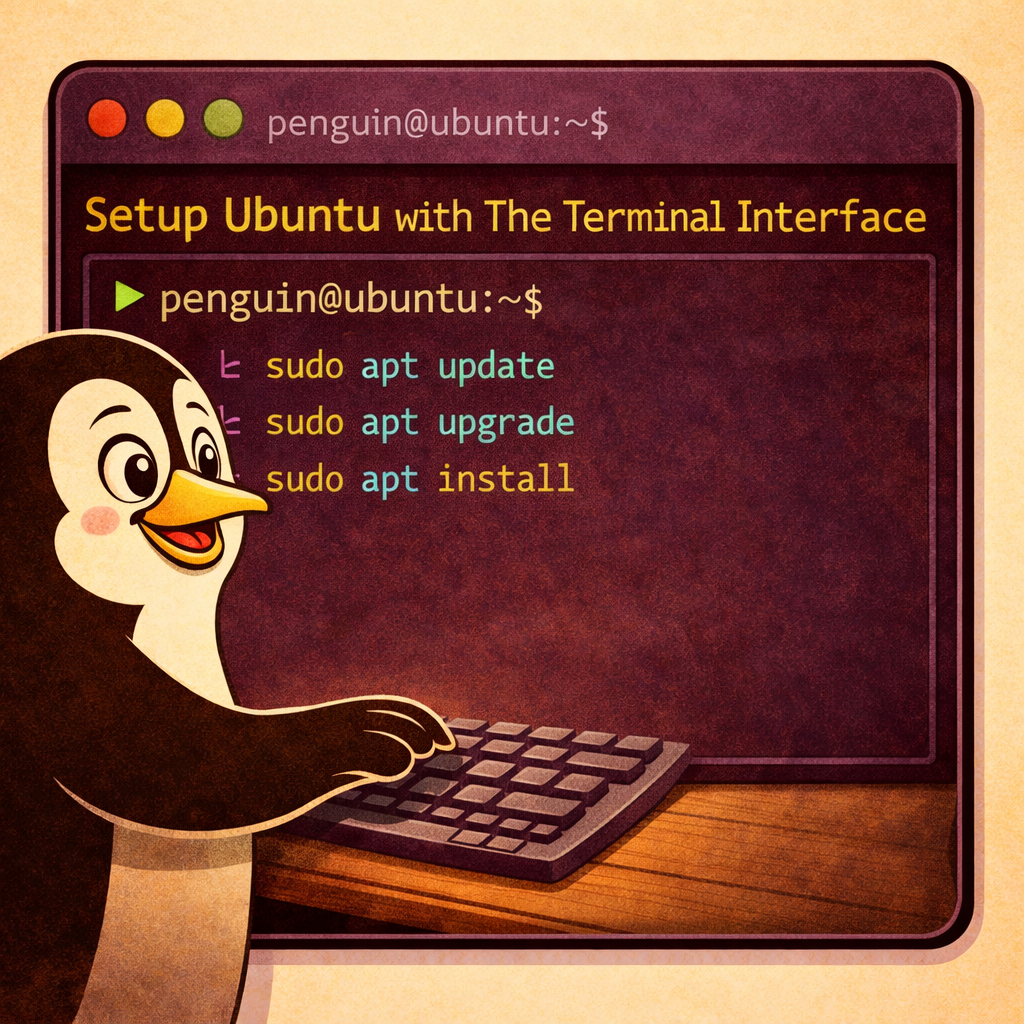

In this guide we will be covering how to monitor CPU temperatures using the lm-sensor program.
About lm-sensors:
The Linux program lm-sensors (or “Linux-monitoring sensors”) is a free software utility that monitors the temperatures, fan speeds, and voltages of computer hardware. It also provides other useful information such as system temperatures and power draw. The program works by reading data from on-chip sensors in the computer’s motherboard and displaying it on a graphical interface. Using lm-sensors, users can view real-time readings from various hardware components and adjust settings accordingly to keep their systems running at optimal performance. The program is available for Linux, MacOS, and Windows operating systems. With lm-sensors, users can also track system temperatures, power draw, fan speeds, and other important information related to the system’s overall performance. This can help them diagnose problems or identify potential issues before they become serious.
Steps to download lm-sensors on Ubuntu:
- Open Terminal by pressing Ctrl + Alt + T
- This can also be accomplished by using the ‘show applications; button on the task bar.
- Type in the following commands.
- sudo apt update
- This check if there are updates.
- sudo apt upgrade
- This installs the updates.
- sudo apt install lm-sensors
- This downloads and installs the lm-sensors program.
- sudo apt update
Steps to using lm-sensors:
- Type in the following commands
- sudo sensors-detect
- Say Y to everything.
- sensors
- One time temp check
- watch sensors
- Monitor temps until command is terminated
- Ctrl + C
- Will break the watch sensors command
- sudo sensors-detect

About Projects with Jackie!
As the Family Nerd, my goal is to help non-techie people learn about, and find, the tech that they need. We do this by providing as much information as we can from a Nerdy standpoint. This includes common issues seen with family and friends.