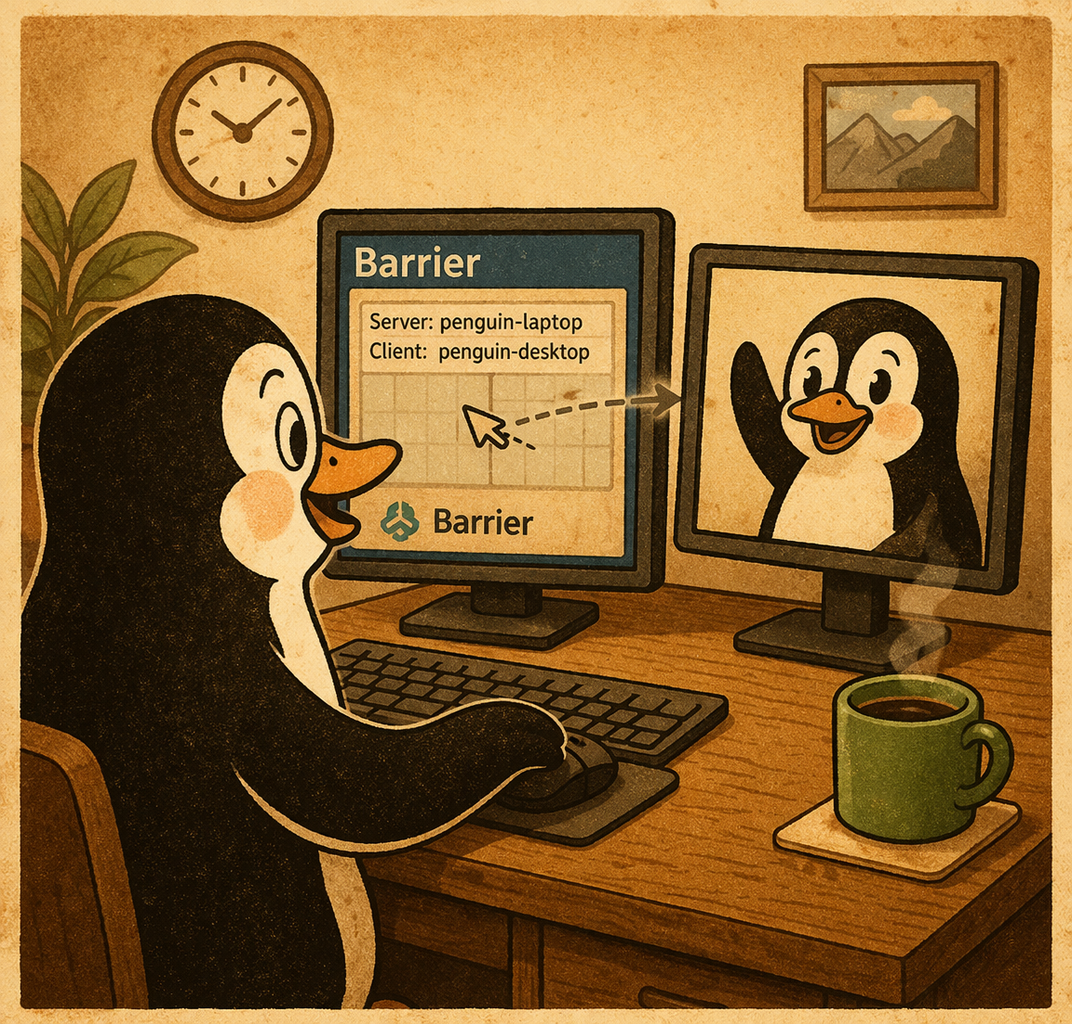
This is just a simple list of Ubuntu features that I really enjoy.
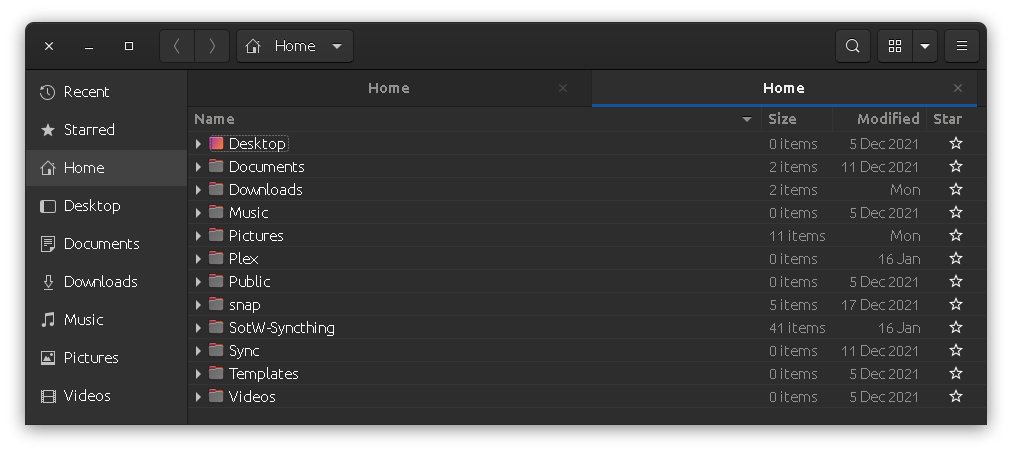
You can open tabs for your folders by middle-clicking (Clicking the Wheel on the Mouse) on the folder path. In the photo above you can see that I have two tabs open – Both say “Home.”
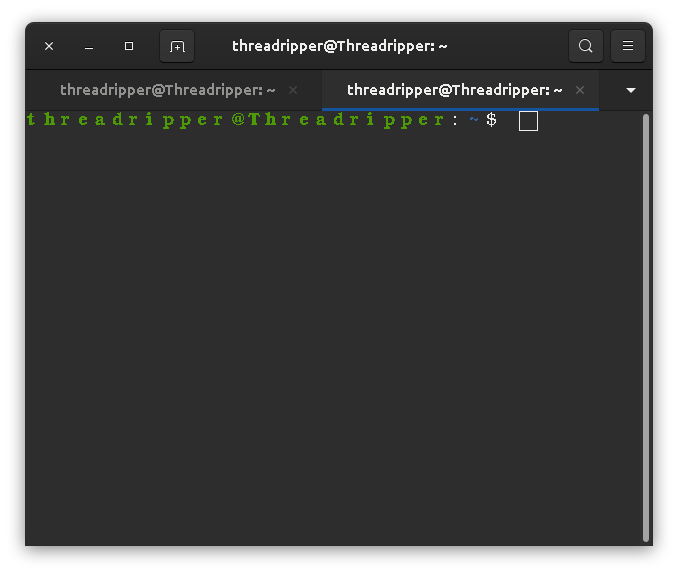
You can do the same with Terminal by pressing the + icon.
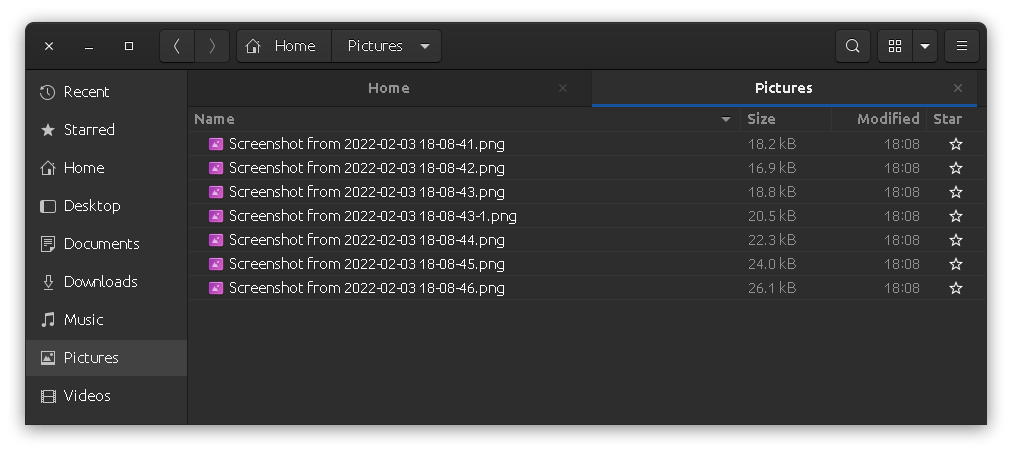
Screenshots are saved directly in your “Pictures” folder so you can easily access them. To take a screen shot simply press the “Print Screen” button on your keyboard. To take a screen shot of only one window and not the whole screen simply press “ALT + Print Scree” buttons.