Find the Video Adapter You Need
Choose your device type, then choose your connector or console type. Gaming Consoles will show a result right away, while other device types will still ask for a display connector.
*I am an Amazon Affiliate and receive revenue from sales using links.*
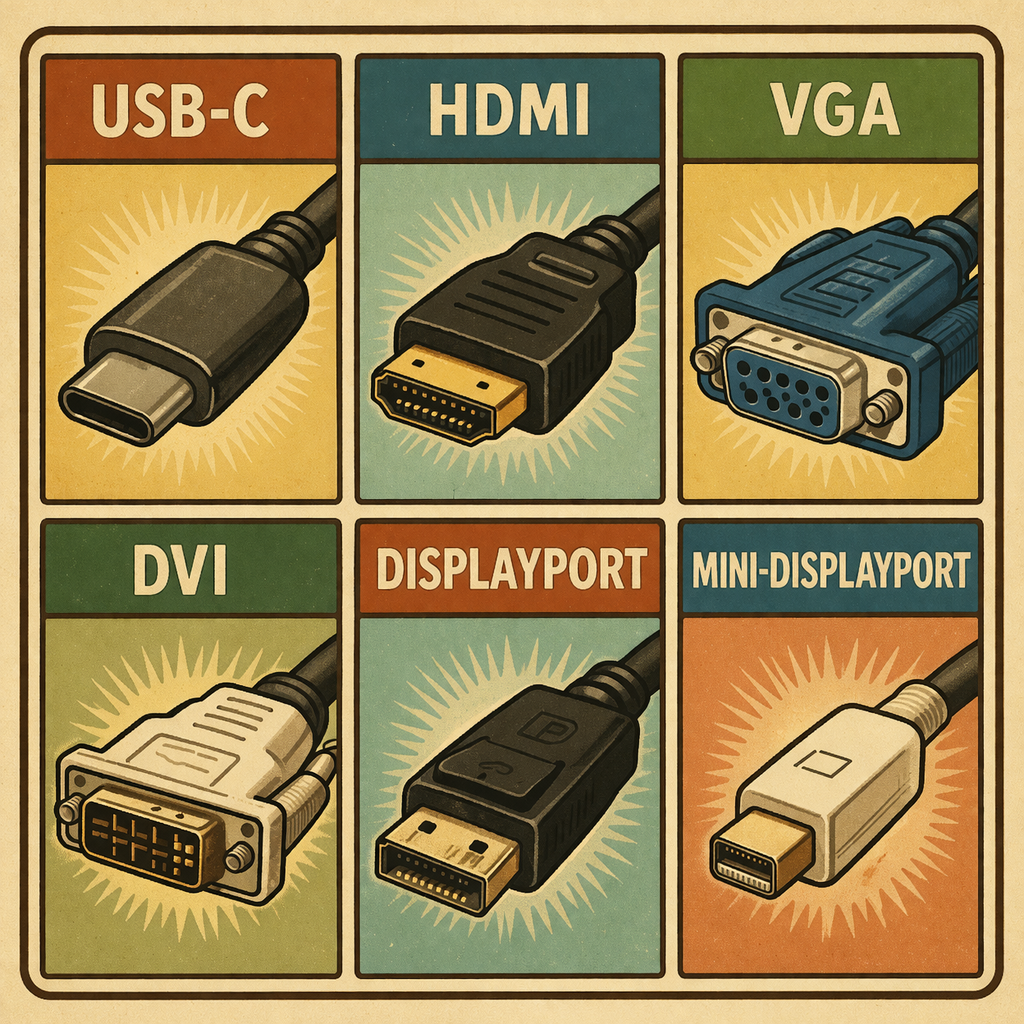
This page is dedicated to help people find the video adapter needed for their device. Use the tool below. Dont worry if you need a visual there will be photos to help further down.
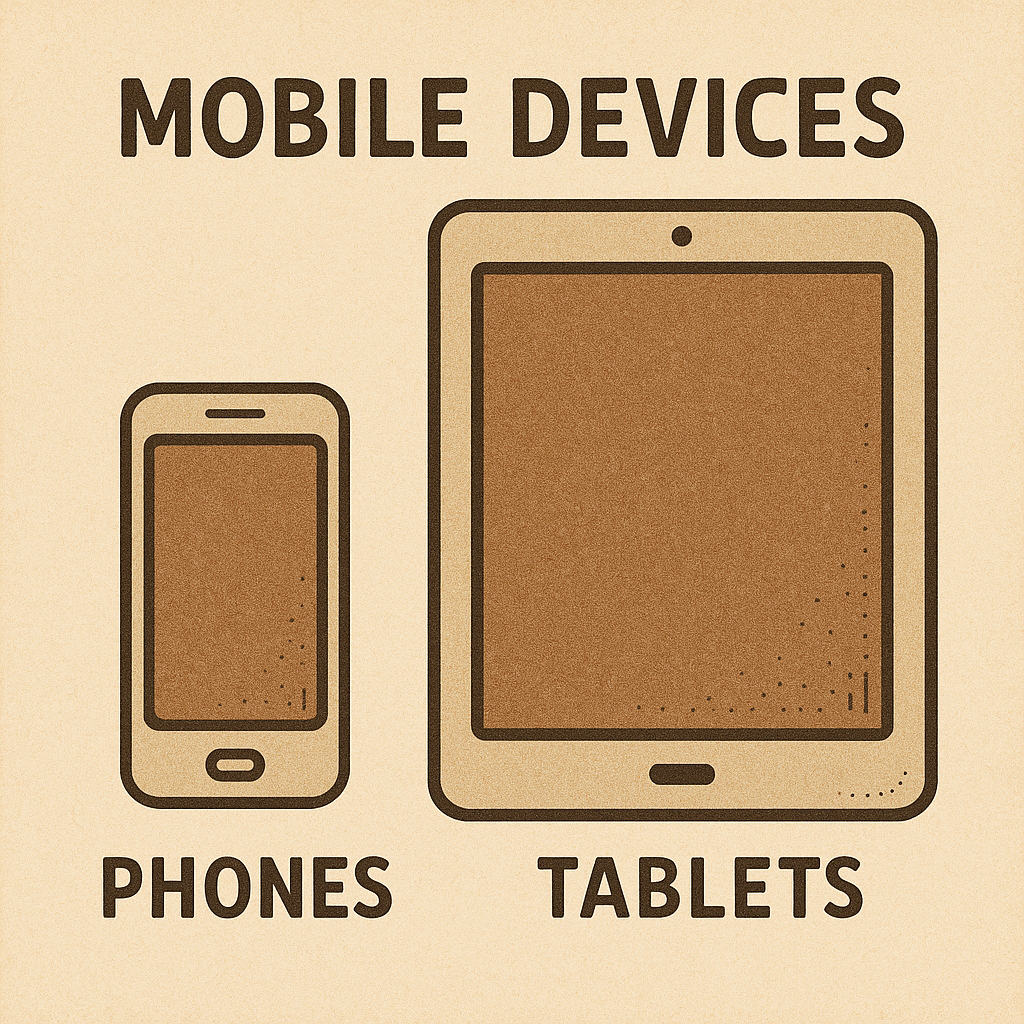
Mobile Devices:
Phones and Tables, commonly called Mobile Devices, are much different from desktop computers as they only have one port to provide access with video, audio, data and power adapters.
Adapters with Power Delivery:
Since Mobile devices only have one port for all connections – its important to use an adapter that provides power. This is commonly called PD, or Power Delivery. Adapters that provide Power Distribution should be marked with a PD, or sometimes a lightning bolt, to indicate which port the power needs to be connected into.
Not all Mobile Devices support video output so be sure to look up your devices Make/Model to ensure the device supports video output.
USB-C & Apple Connectors:
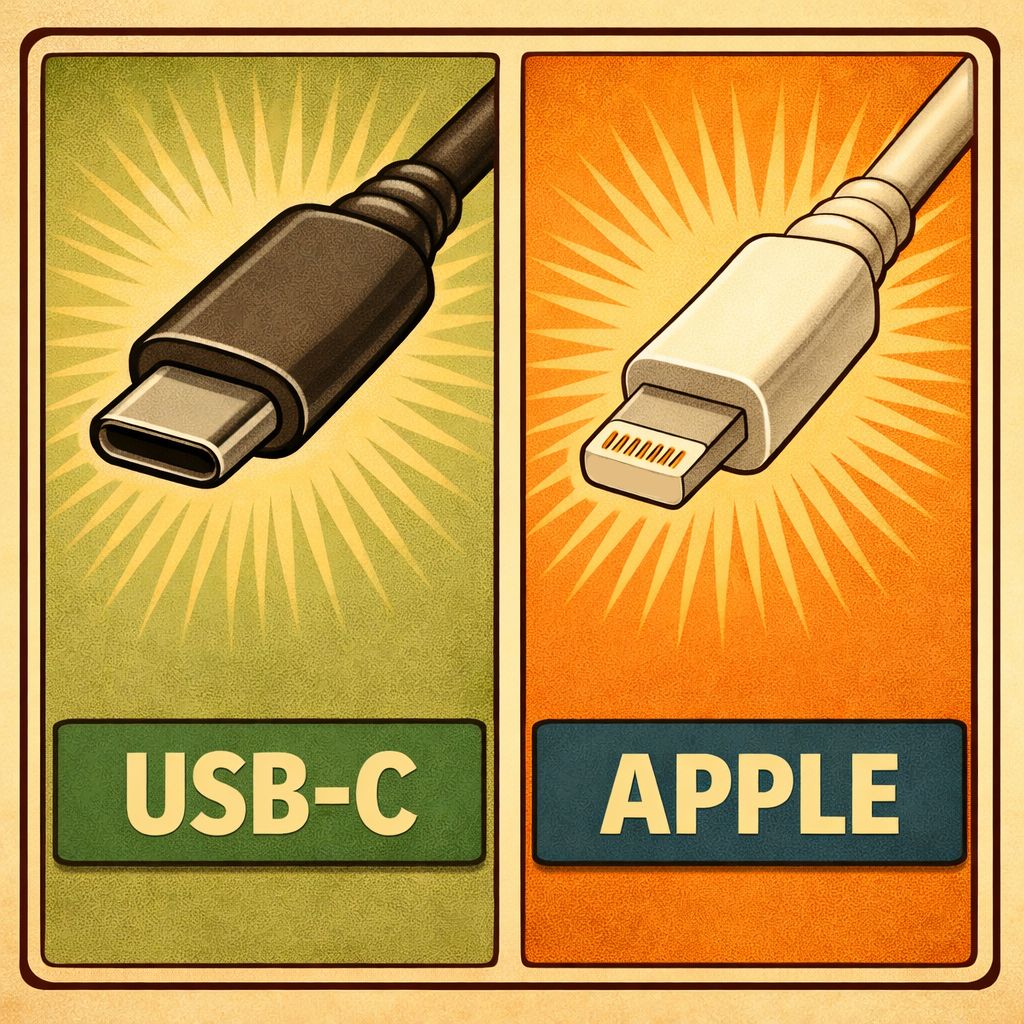
In regard to Mobile Devices – The image shows a visual between USB-C and Apple connectors.
Apple has been forced to start installing USB-C into all of the Mobile Devices so the Apple Connector has been phased out and will not be seen on newer Apple Products.
Laptops:
In-between Desktop and Mobile devices are Laptops which, depending on the model, can use adapters from both devices.
It is common for newer laptops to have a USB-C port that can support Video, Data and Power transfers all at the same time. But older models will commonly have VGA, HDMI, Mini-HDMI, Mini-DisplayPort, or other older video types.
Distributed Power:
Newer laptops can be powered with adapters that support DP though it most likely will not be required as long as your laptop has multiple USB-C ports.
Retro Consoles:
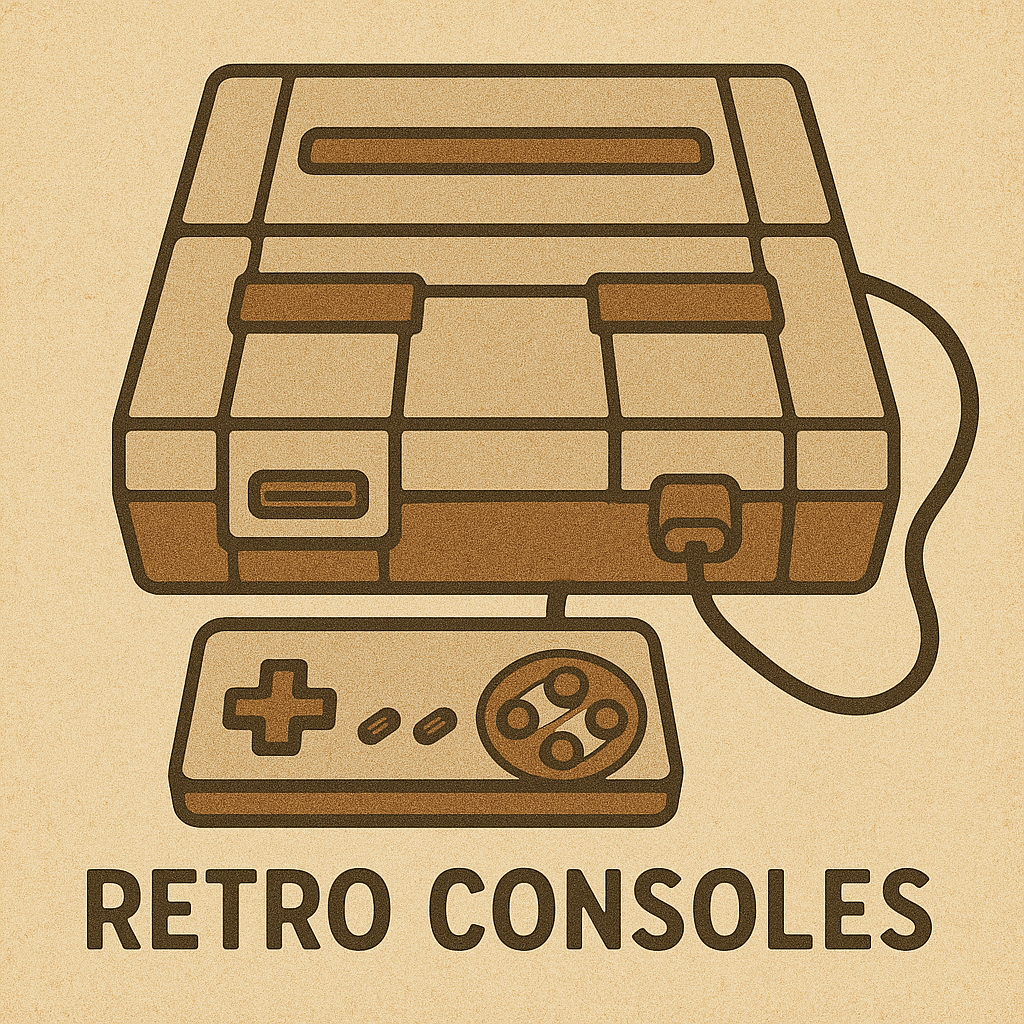
Newer consoles are making the change to USB-C for video output but HDMI is still commonly used. Retro consoles however can become tricky as the older the console the more unique the video connector type.
This means that, for example, the SEGA console uses a different cable than a Super Nintendo. While there are adapters that allow these consoles to connect to displays using HDMI – each console will require a unique adapter to output via HDMI.