
Ping is a term commonly used in the world of gaming and internet connectivity. It refers to the time it takes for data to be sent from your computer or device to a server, and then back again. In simple terms, ping is the measure of how responsive your internet connection is.
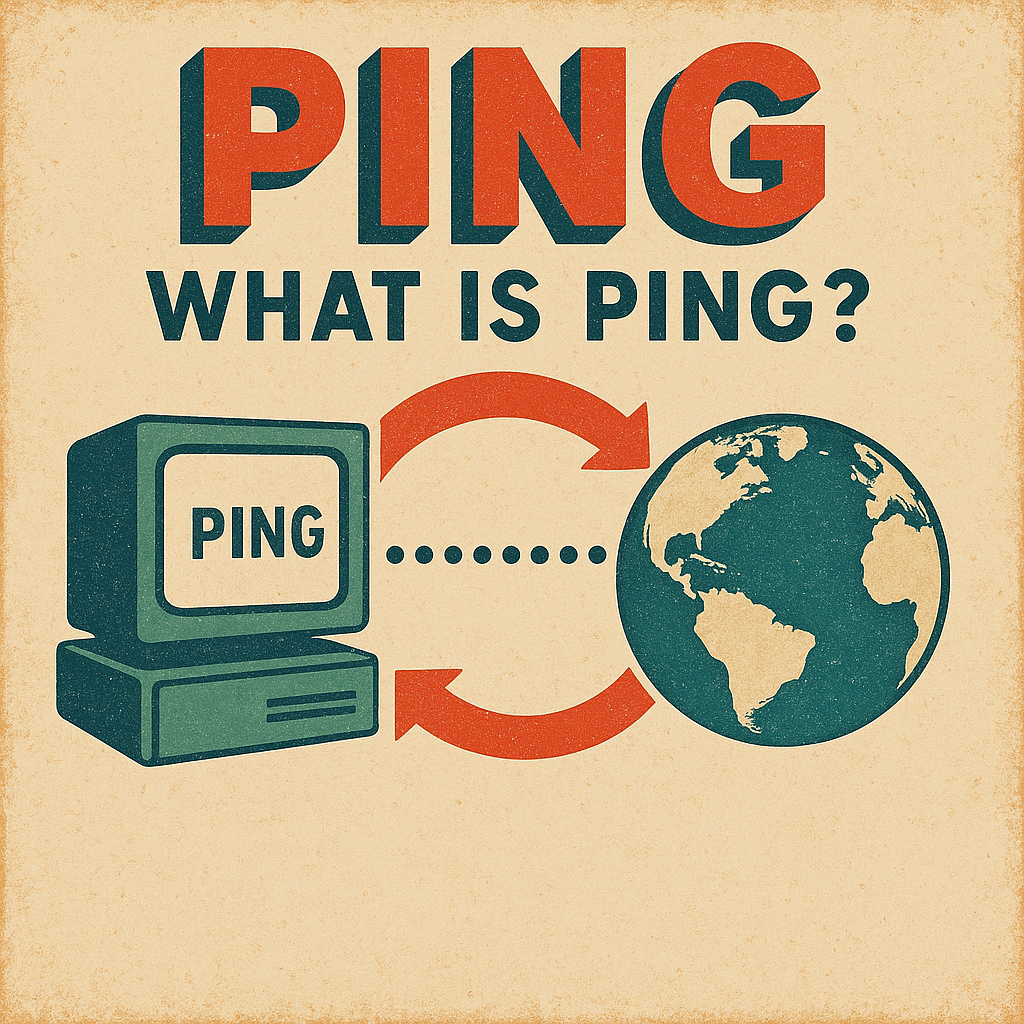
What is Ping
As mentioned earlier, ping is the time it takes for data to be sent from your device to a server and back again. It is measured in milliseconds (ms), and the lower the ping, the better. A high ping can be caused by various factors such as internet connection, hardware capabilities, and background tasks.
Having a low ping is crucial for online gamers as it can significantly affect their game-play experience. High ping can lead to lag, delays, and a poor overall gaming experience. In this article, we will discuss some tips on how to lower your ping for a smoother online gaming experience.
Use Ethernet to Lower Ping
One of the main reasons for a high ping is a weak or unstable Wi-Fi connection between a computer and the local network. Therefore, it is essential to ensure that you have a stable and reliable connection. In most cases, a wired Ethernet connection will provide a more stable connection compared to WiFi.
WiFi signals can be affected by various factors such as distance from the router, interference from other electronic devices, and even walls and furniture. On the other hand, an Ethernet cable directly connects your device to the router, providing a more direct and stable connection.
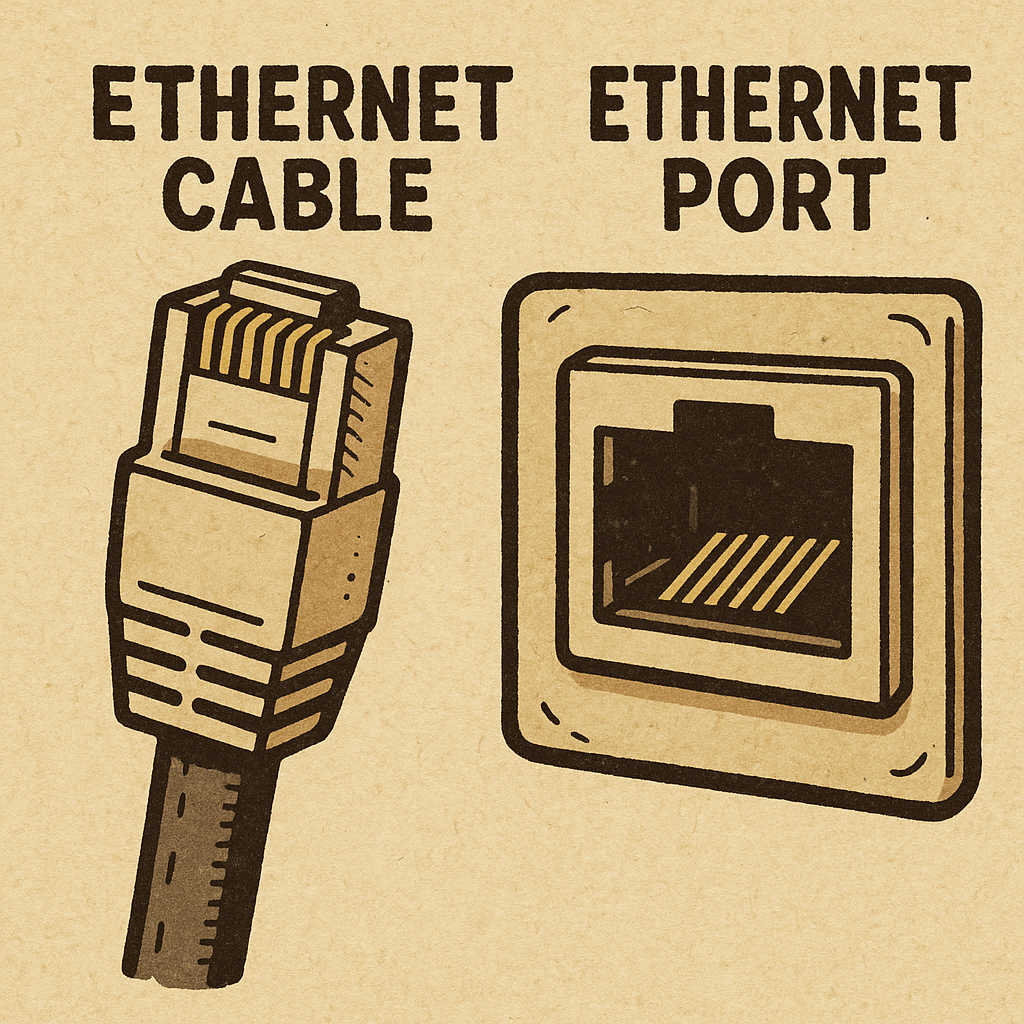
If possible, try to use an Ethernet connection for your gaming needs. If that is not an option, make sure to have a strong and reliable WiFi signal by placing your router in a central location and minimizing interference.
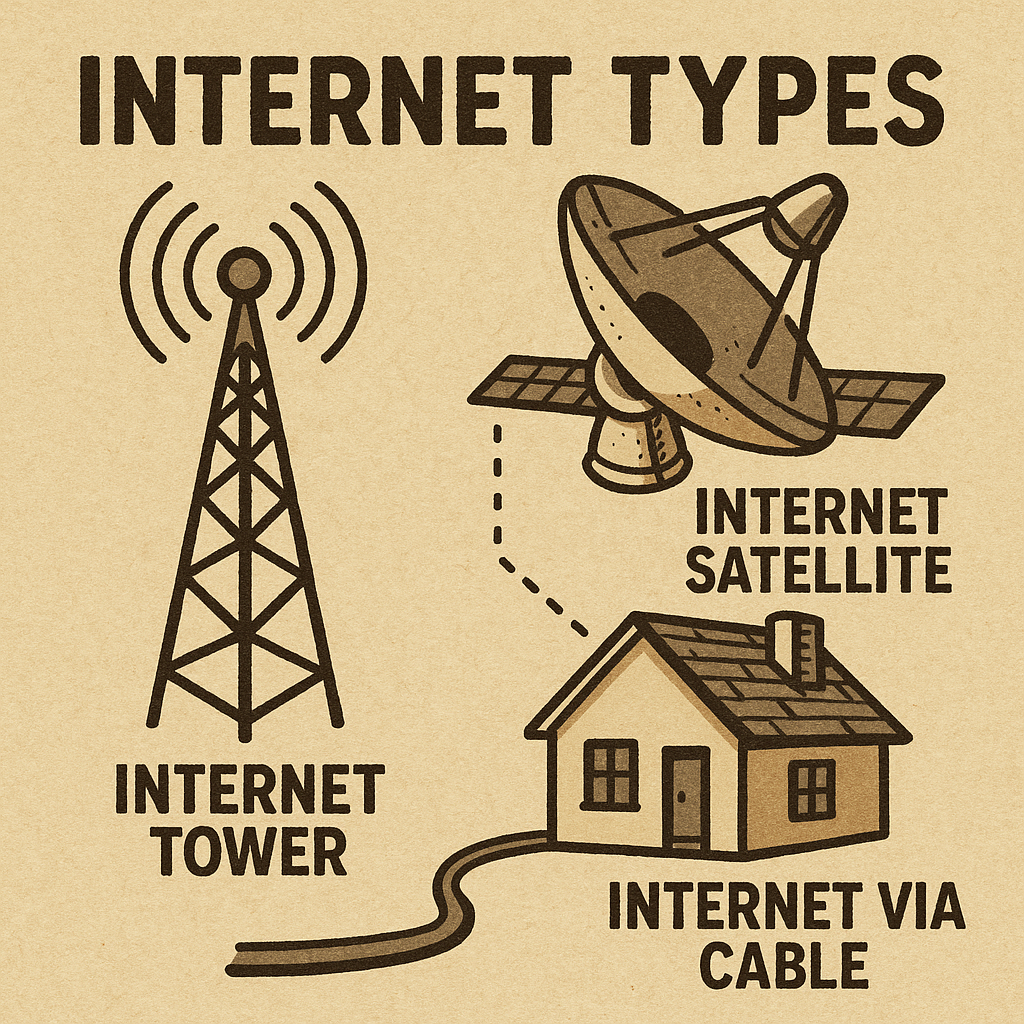
Internet Type
The type of internet connection you have can also affect your ping. Generally, a wired broadband connection will provide faster network speeds when compared to a wireless or mobile connection. This is because wired connections have higher bandwidth and a more stable connection.
Computer Hardware
Having the right hardware can also play a significant role in lowering your ping. A powerful processor, adequate RAM, and a good graphics card can help reduce the load on your computer, allowing it to process and transmit data faster.
Investing in a gaming router can also help improve network speed. These routers are designed specifically for online gaming and have features like Quality of Service (QoS) that prioritize game traffic over other internet activity.
Also, if your computer still has a HDD then that should be upgraded to an SSD ASAP.

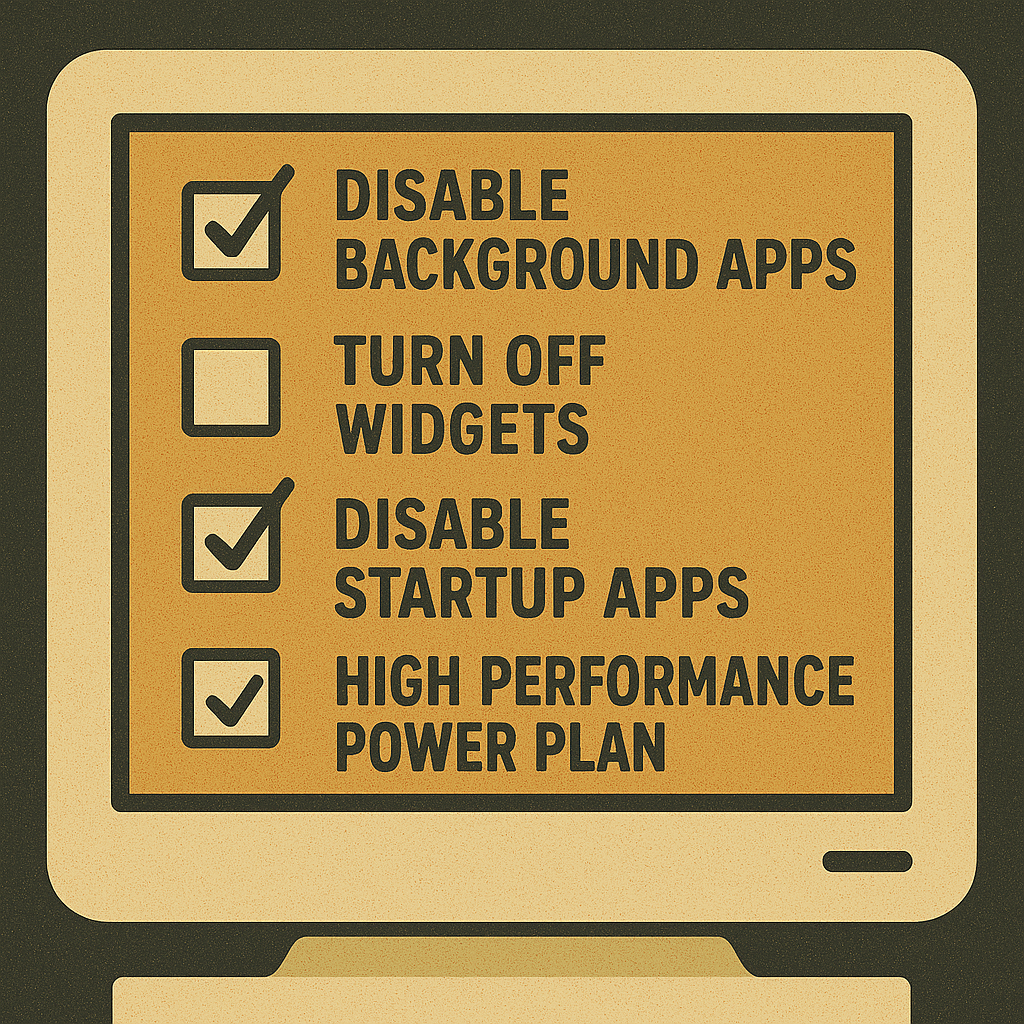
Windows 11 Software Changes
There are many software changes that can be made with Windows computers to help improve overall network performance for that individual computer. For example, disabling background apps and unnecessary startup programs can free up system resources, allowing the computer to focus its processing power to fewer tasks.
To learn more about making software changes please see the link below.
Lower Game Graphics
One additional tip for lowering your ping is to adjust the graphics settings in your game. Higher graphic settings can put a strain on your computer, causing it to take longer to process and transmit data. Lowering the graphics settings can reduce this strain, resulting in a lower ping. However, keep in mind that this may also affect the visual quality of the game.
Upgrading Computer Hardware
Another way to lower your ping is by upgrading your computer hardware. As technology advances, newer and more powerful hardware becomes available, which can provide better performance and lower pings. This includes upgrading your Hard Drive, CPU Processor, RAM, GPU, and even your router.
Background Tasks
Background tasks or programs running on your device can also affect your ping. If you have multiple programs or downloads running in the background, they can use up your device’s resources and cause delays in data transmission.
Make sure to close any unnecessary programs before starting a gaming session. You can also try using a game booster software that temporarily stops other processes and focuses on optimizing your gaming experience.
Conclusion
In conclusion, having a low ping is crucial for online gamers as it can significantly affect their gameplay experience. By following the tips mentioned above, improve your online gaming experience. Remember to have a stable internet connection, invest in good hardware, and minimize background tasks for the best results. Keep these tips in mind, and you will be on your way to becoming a pro gamer with a smooth and lag-free gaming experience. So, keep your ping low and enjoy gaming!