Data is one of the most valuable assets we own—whether it’s personal photos, business documents, or critical system backups. Relying on a single device to store that data is risky, which is where Cloud and NAS (Network Attached Storage) solutions come into play. In this artice we will cover the pros and cons for both options.
Why Use a Cloud or NAS?
Using cloud or NAS storage is a smart way to protect your data while also keeping your computer running smoothly. By storing large files like photos, videos, and backups on a Cloud or NAS you keep the computer’s main drive free which helps keep the computer running smoothly. When a computer’s storage gets too full, it can slow down performance, affect updates, and make everyday tasks feel sluggish. Moving files to the cloud or a NAS helps prevent this, keeping your system faster and more responsive. At the same time, both options provide a dependable backup solution, helping safeguard your data from accidental loss, hardware failure, or crashes.
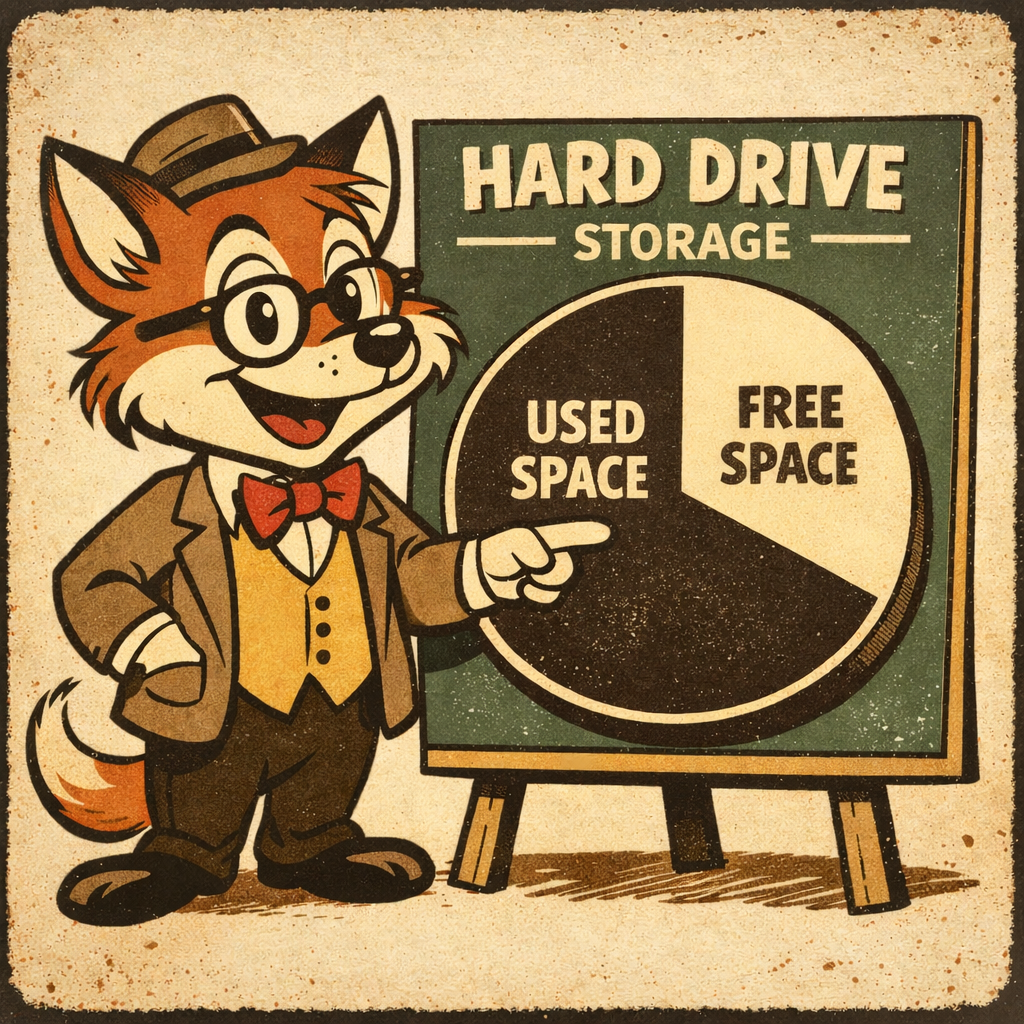
Check Hard Drive Storage:
It is important to check how much storage is being used on the computers Hard Drive. To check used space…
- Open File Explorer by pressing the windows key on the keyboard and typing in File Explorer, Then press Enter.
- On the Left-Hand side of the File Explorer Window find Local Disk (C:).
- Right-Click Local Disk (C): and Select Properties.
- The Disk (C): Properties window will display how much space is free on the Hard Drive.
I often see Hard Drives that are full or near full. This will negatively impact the speed of the computer if the Hard Drive is full or near full.
Cloud Storage:
Cloud storage is a service that allows you to store your files on remote servers instead of keeping everything on your local computer, or servers, giving you access to your data from anywhere with an internet connection. This makes it ideal for backups, file sharing, and syncing data across multiple devices like PCs, phones, and tablets.
One of the biggest advantages of cloud storage is redundancy—your data is stored across multiple systems, reducing the risk of data loss due to hardware failure. Popular cloud storage options include Google Drive, Dropbox, Microsoft OneDrive, and iCloud, each offering different features such as automatic syncing, file version history, and varying levels of free and paid storage. For both personal and business use, cloud storage provides a convenient and reliable way to keep your data secure and accessible.
Free Trials:
Companies, such as Google, often offer free usage or trials. They’re usually about 10 to 15GB or so and allow upgrades as needed. Some companies will combine the file storage with email. The storage sizes can change over time so be sure to check their websites for updated info. Upgrading from the free tier will provide more storage for a monthly fee but can be a good place to start for External storage.
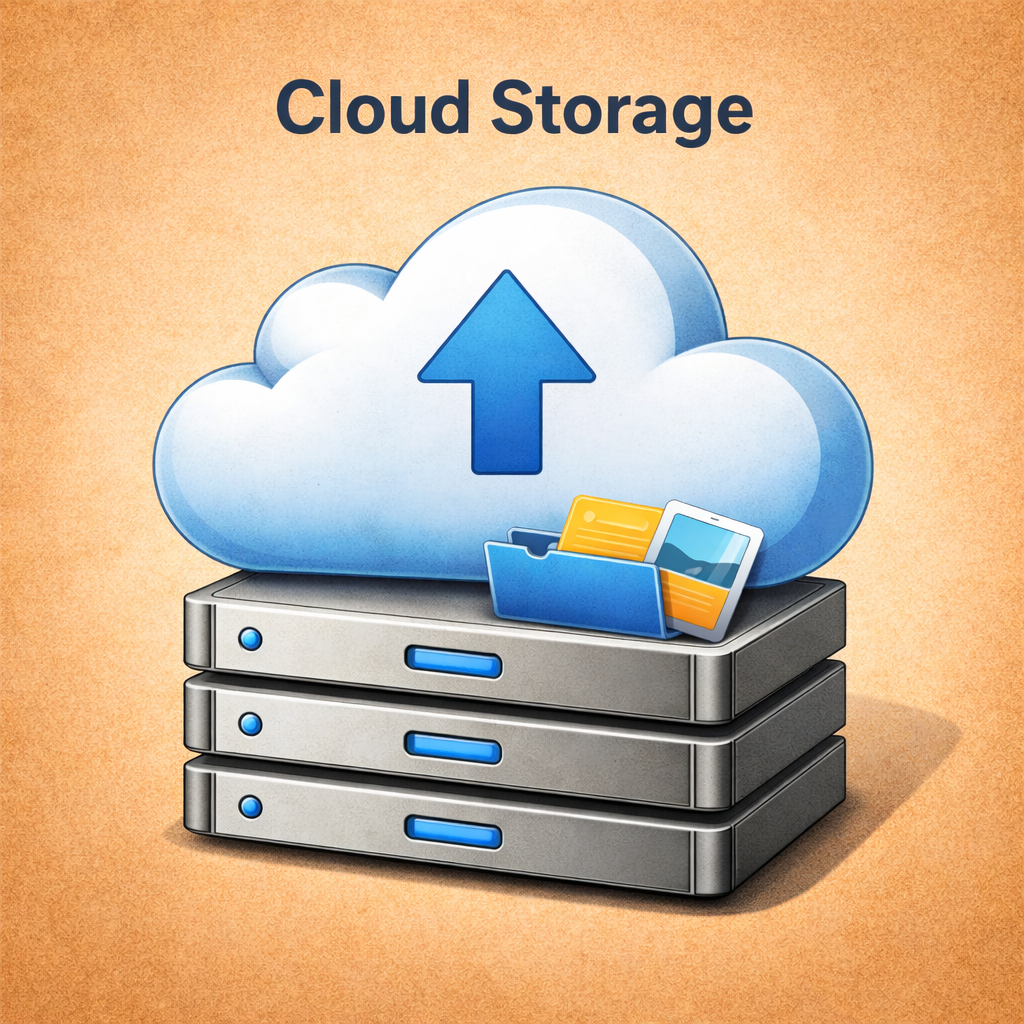
Cloud Benefits:
- Easy to Use
- No Upfront Costs
- Low Technical Knowledge Required
- Often offer about 10 to 15GB trial storage
Cloud Cons:
- Less Private than a Personal NAS
- Subscription Required for Larger Storage
- Less Control Overall
- Restricted Storage Size
Using the Free tier for a Cloud is a great place to begin protecting data and in some cases for saving local storage space.
NAS Systems:
A NAS is the perfect solution for those who need a lot of storage space for Video, Photos, Programs and other large files. Perfect for photographers, video editors, security systems, server and PC backups, and more.
Owning a NAS (Network Attached Storage) is like having your own private cloud that you fully control inside your home or business. Instead of relying on third-party services, a NAS stores your files locally while still allowing access from multiple devices over your network—or even remotely if configured. It becomes a central hub for backups, media storage, file sharing, and even applications like Plex servers or automated backups. One of the biggest advantages is control: you decide how your data is stored, who can access it, and how it’s protected, often using features like RAID for data redundancy. While there is a bit of initial setup and maintenance involved, many users find the trade-off worthwhile for the increased privacy, long-term cost savings, large storage options, and flexibility a NAS provides compared to commercial cloud storage.
Owning a NAS system can have some drawbacks. Some NAS models require a high amount of technical knowledge to setup and use. While companies provide guides to help users setup and use the barrier of entry will be pretty high for non-techie people. The WD MyCloud is a great system for those who need the simplest NAS solution.
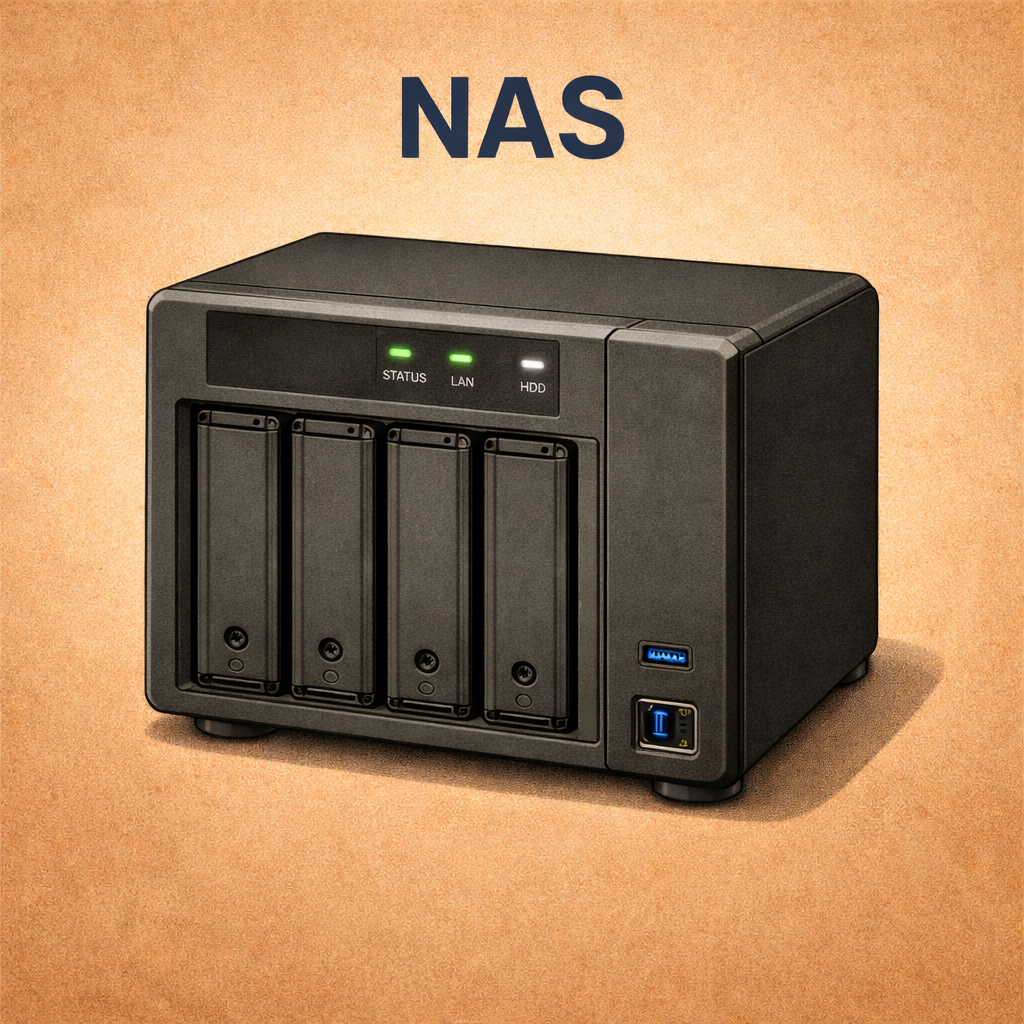
NAS Benefits:
- Can setup for very large storage size
- Privacy Control
- Self Hosted Cloud
- High System Control
- Can host other services
NAS Cons:
- Technical Knowledge Required
- Can have High upfront cost
- Will need to setup external backup
Difference between Cloud and NAS:
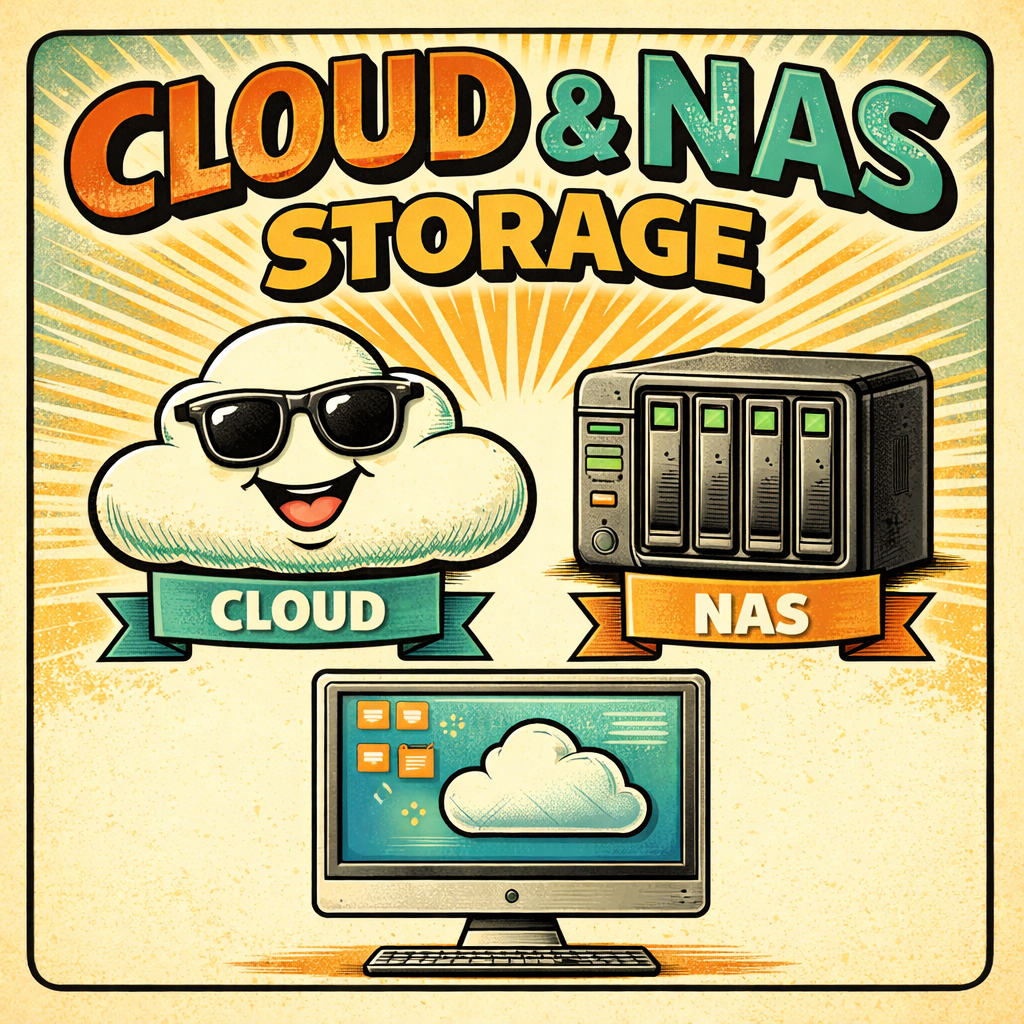
Cloud and NAS storage both serve the same core purpose—storing and protecting your data—but they differ significantly in how they operate, who controls them, and how they’re accessed.
Cloud storage uses remote servers managed by third-party providers, meaning your files are stored off-site and accessed through the internet. This makes it extremely convenient, since you can access your data from anywhere without worrying about hardware, maintenance, or failures. However, you’re relying on a company to manage your data, and ongoing subscription costs are common.
NAS (Network Attached Storage), on the other hand, is a physical device you own and keep locally. It connects to your home or business network and acts as a centralized storage system for all your devices. With a NAS, you have full control over your data, including security, backups, and storage configuration. It typically offers faster access speeds on your local network and no monthly fees after purchase, but it does require setup, upfront costs, maintenance, and some technical understanding.
While a NAS can host a cloud – it can be difficult to setup for non-technical persons.
In simple terms: Cloud storage prioritizes convenience and accessibility, while NAS storage focuses on control, privacy, and long-term ownership. Many users choose to combine both—using a NAS for primary storage and a cloud service as an off-site backup—for the best of both worlds.
Related Articles:
Below are a few articles that can help.
Google Drive:
- Free Trial (15GB)
- Easy to Setup
- Access Anywhere
QNAP NAS:
- Full Control
- Large Storage Options
- Can have High initial costs
UPS:
- Protect Important Equipment
- Protect Data
- Keep Server and Network active