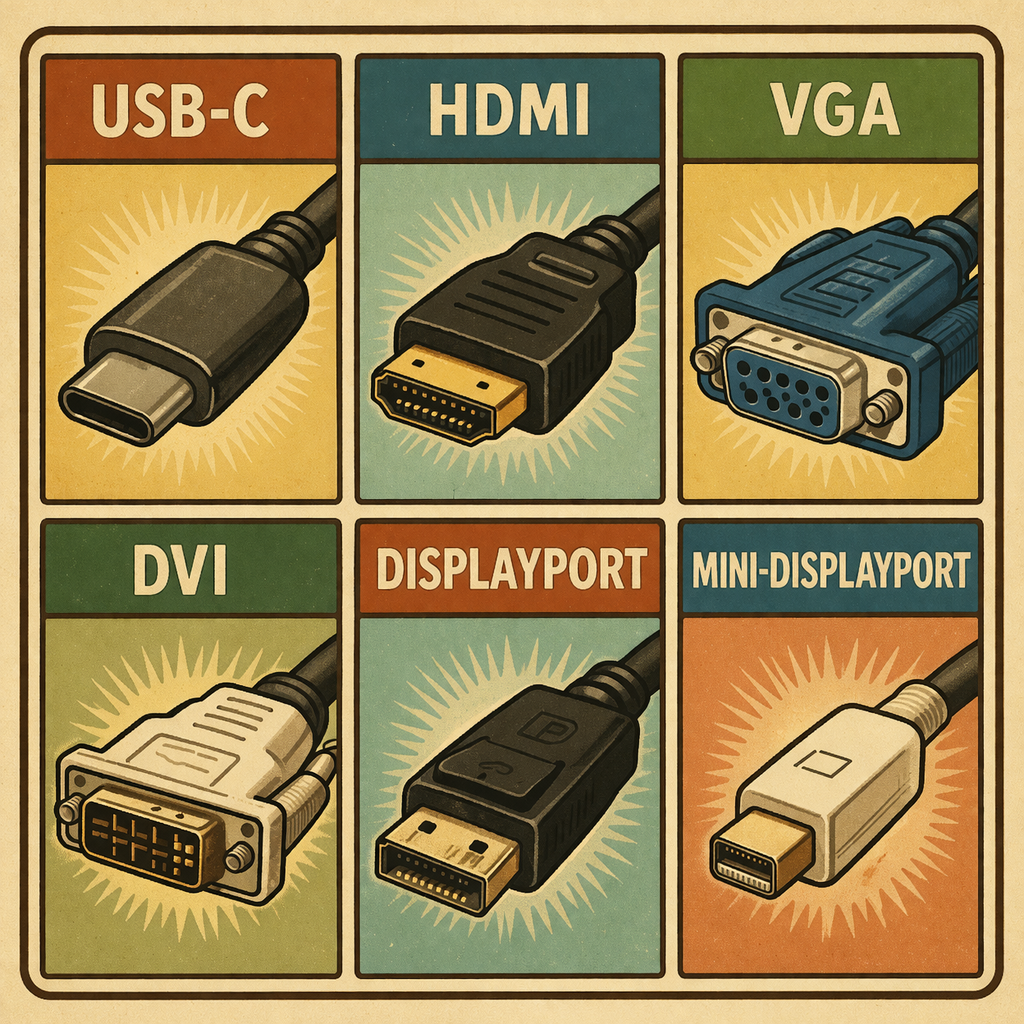
Video adapters can be confusing as there are a lot of different video connectors and even more types of adapters. So, in this guide we will be covering some common video adapters for desktop computers – starting with the newest port types first then going down to the older connector types last.
No Power Pass-through adapters
First I would like to say that some adapters can provide power to connected devices, this is great for mobile devices but since desktop computers receive power from a dedicated power port – you do not need to worry about purchasing an adapter with Power Pass-through. This means that desktop computers can use cheaper video adapters when compared to other devices like Mobile Devices.
Male & Female Ports
It is common to mix up male and female ports and connectors when trying to buy adapters. Double check what you need (male/female) for your adapters and ensure that the adapter has what you need.
USB-C to HDMI
USB-C is slowly taking over other types of video connector types. So newer desktop computers may start having more USB-C ports for video.
- Adapter in my shop:
DVI to HDMI
Another common video port on desktop computers are DVI ports.
- Adapter in my shop:
Mini Displayport to HDMI
- Adapter in my Shop
Displayport to HDMI
- Adapter in my Shop
VGA to HDMI
VGA is an older type of video connector and is not seen on new desktop computers nor newer monitors. Some VGA to HDMI adapters will a USB port to power the adapter and some of these adapters will also have an audio jack so that you can also transfer audio with the video to the HDMI destination. However, it is common to get audio interference with these types of adapters so if sound quality is important make sure to get an adapter that is high quality.
- Adapter in my shop: