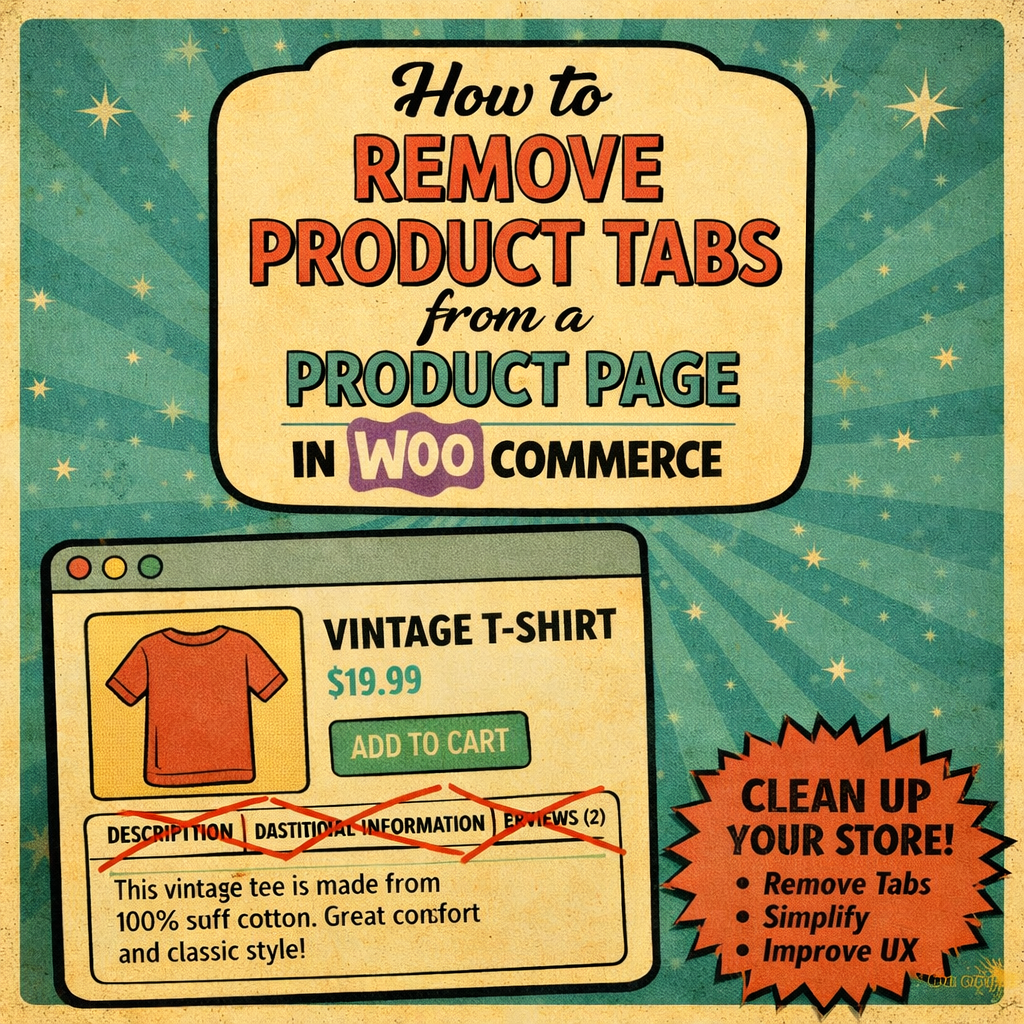
I often have customers who want me to remove the ‘Additional Info’ Tab from the WooCommerce Product Page so this article covers how to do this using CSS.
CSS Code:
Copy and paste the following information into the CSS field. Steps are covered under the code.
/* Hide the Additional Information tab */
ul.tabs li#tab-title-additional_information {
    display: none !important;
}

/* Hide the content of the Additional Information tab */
div#tab-additional_information {
    display: none !important;
}

/* Hide the product description tab */
.woocommerce-page .tabs .description_tab {
    display: none !important;
}

/* Hide the product reviews tab */
.woocommerce-page .tabs .reviews_tab {
    display: none !important;
}
How to Add the CSS:
- Go to the WordPress Dashboard.
- Navigate to Appearance > Customize.
- In the Customizer, go to Additional CSS at the very bottom.
- Paste the updated CSS code into the text box.
- Click Publish to save the changes.
Explanation:
ul.tabs li#tab-title-additional_information: This targets the Additional Information tab in the tab list and hides it.div#tab-additional_information: This targets the content section of the Additional Information tab and hides it.
Code does not work!
If the above CSS doesn’t work, it might be due to the theme or specific customization you have on your site. I have used it on multiple websites. However, each website is different so in that case, it might be worth inspecting the page using browser developer tools to see if there are any different classes or IDs applied. A theme or plugin may change how the field works.