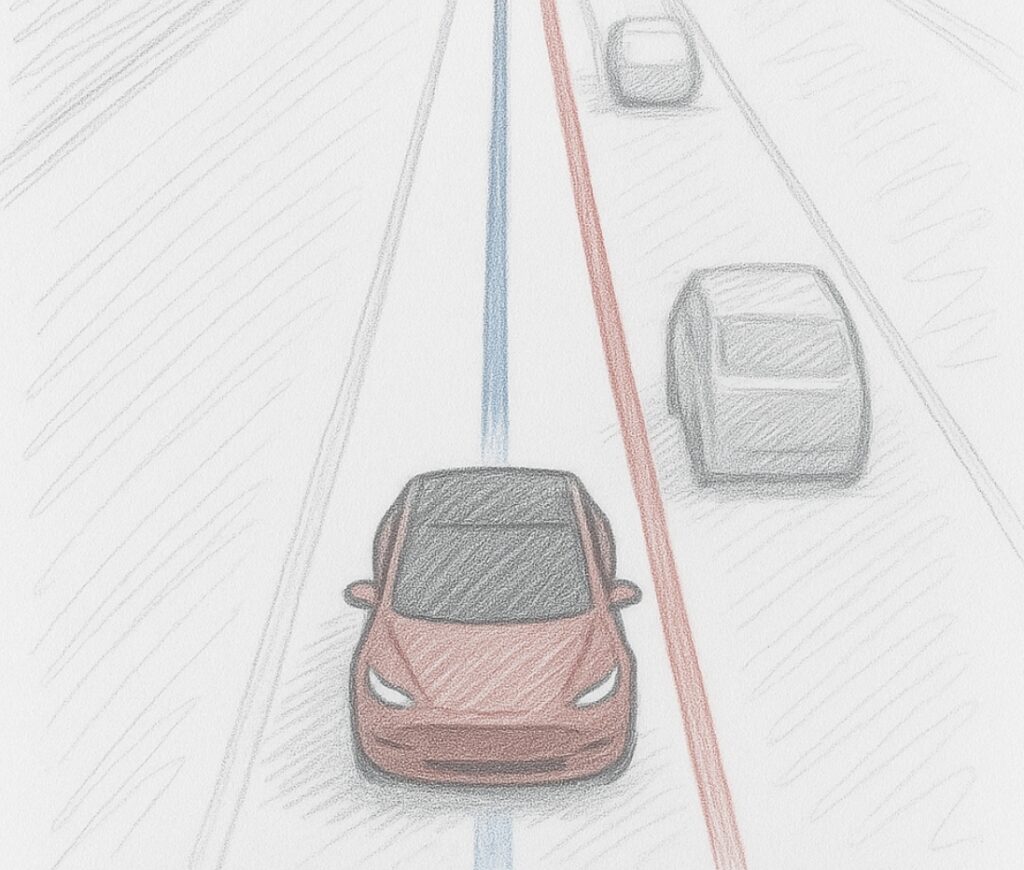
Tesla’s Full Self-Driving (FSD) is an advanced driver assistance system designed to handle more complex driving tasks than Tesla’s standard Autopilot feature. While Autopilot primarily supports highway driving with functions like lane centering and adaptive cruise control, FSD aims to navigate city streets, make turns, stop at traffic signals, and park itself—with minimal driver input. A key distinction lies in supervision: current FSD versions are supervised, meaning the driver must remain attentive and ready to take control at any moment. In contrast, unsupervised FSD, which Tesla is still starting to push out on the streets, would allow the car to operate entirely on its own, without human oversight—moving closer to true autonomous driving.
- For more everyday robots check out my list here!
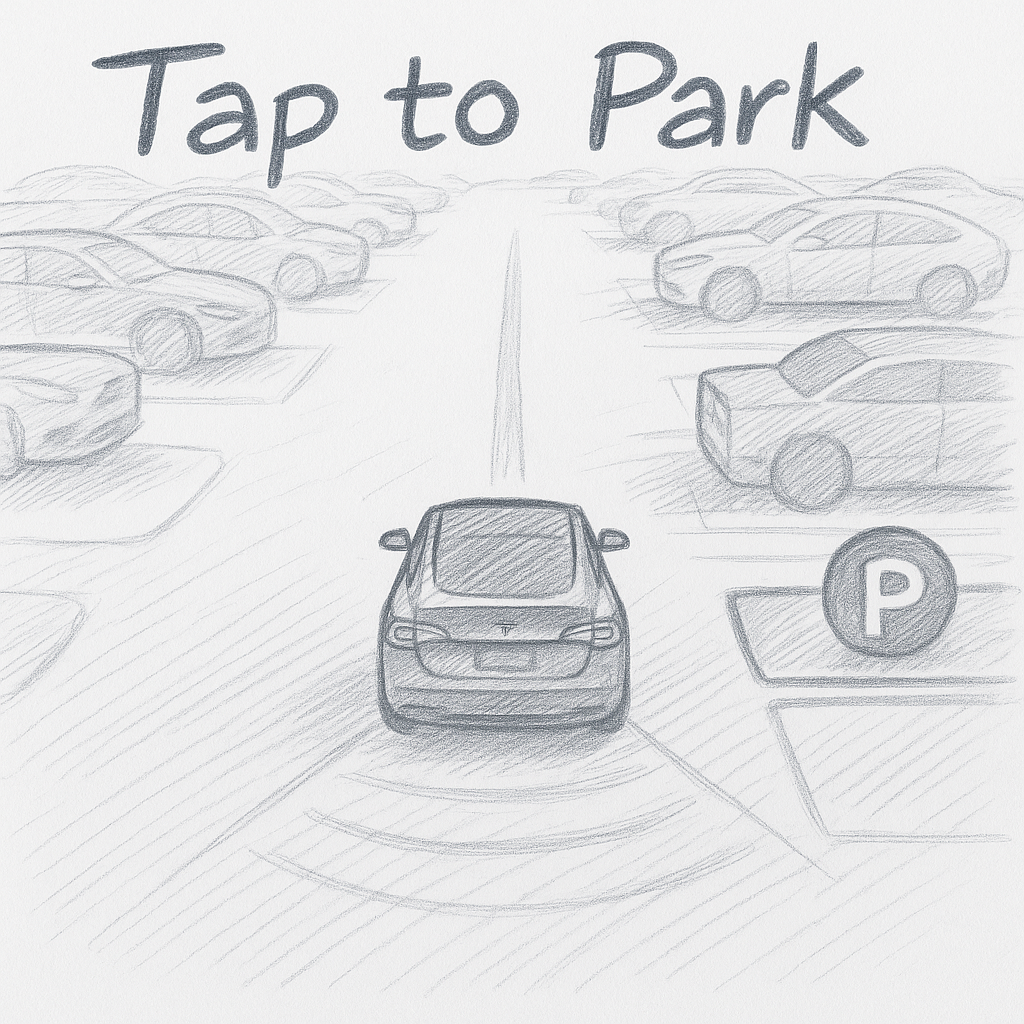
Tap to Park:
Tesla’s “Tap to Park” feature allows drivers to park their vehicle simply by tapping a spot on the car’s touchscreen display. When activated, the system scans the surrounding area using its cameras and sensors, identifying available parking spaces near the vehicle. The driver can then tap the desired location on the screen, and the car will automatically steer, accelerate, brake, change into drive/reverse, and park itself into that spot. This feature enhances convenience in tight or complex parking situations, and it’s especially useful for parallel and perpendicular parking where precision is key.
Tesla App:
Before I go into detail of the aspects of the Tesla FSD – I wanted to cover a really nice feature that the Tesla Phone App provides. It allows users to send addresses from their phone to their Tesla! So when my friends send me an address in Facebook Messenger I can click on the address and send it to my Tesla from my phone! Talk about convenient.
The Tesla has two programmable locations: Home and Work. When these two addresses are set then you can use voice commands to have the Tesla Navigation take you to those places. All you have to do is activate the Voice Command function and say ‘Home’ or ‘Work” and it will drive you there.
Tesla FSD Levels:
There are three levels of FSD that may be purchased with a Tesla.
- No Purchase
- If you decide that you do not want FSD with your Tesla then it will still come with a basic level of Auto-Steering and smart-cruise-control.
- Custom Level:
- You may purchase specific functions of FSD without purchase the complete package. The custom purchase may change over time.
- FSD, or Full Self-Driving:
- This level includes all of the functions listed in this article.
- Auto-Steering, Autopilot, Auto Lane Change, Auto Parking, Summoning, Obey Traffic signs and more.
Smart Cruise Control:
Smart Cruise Control is becoming a popular feature in newer cars. However, Teslas version of Smart-Cruise-Control is top notch. Smart-Cruise-Control is broken down into 4 parts: Traffic Lights, Stop Signs, Speed Signs, and Traffic Adjust.
If FSD was not purchased then the Tesla will only adjust to the speed of traffic and will not stop at stop signs nor lights. FSD will perform all 4 functions.
*Traffic Adjust:
Smart-Cruise-Control will adjust the speed of the Tesla according to the surrounding traffic. If traffic comes to a complete stop then it will have the vehicle come to a complete stop also. If traffic is creeping then the car will creep forward. The Traffic Adjust will also slow the vehicle down when it sees: Emergency lights,
*Traffic Lights:
With FSD the Tesla will obey traffic lights. When the light is RED the vehicle will stop where it needs to stop. Then when the light turns green it will continue its journey.
*Stop Signs:
When the FSD system reads a stop sign it will come to a complete stop. It will then attempt to mark other vehicles as having the ‘right-of-way’ by changing their color to blue on the monitor from grey.
*Speed Signs:
The Tesla will read and change its speed to speed signs posted on the road. There is also an ‘Offset’ option where the vehicle can be set so that it will always drive +/- the speed limit. Example would be if the ‘Offset’ were to be set to +5 then when it reads a speed limit of 50 the vehicle will change its speed to 55.
Auto-Steering:
Auto-Steering comes on all Tesla models. Even if you do not purchase FSD. It is the most used Self-Driving feature and it simply keeps the Tesla centered in the road. Keeping the vehicle going straight. Auto-Steering does not make any turns off of the road but it will follow and curves that the road may have such as driving down a back road.
Auto-Steering, paired with smart-cruise-control will change how stressful traffic is. With the Smart-Cruise-Control feature adjusting your speed according to the traffic and Auto-Steering keeping you in lane there is very little for you to do but to monitor how well the Tesla is doing and to ensure it does not make mistakes. Activate Auto-Steering and it will handle majority, if not all, of the stress of being in traffic.
Auto-Steering does not require an address to be entered into the navigation system to use but it will not make turns.
Accelerator and Break Pedal:
While Auto-steering, or FSD, is active and in use the driver can take control of the vehicle back from the FSD system by tapping the break. This can be done at any time. I commonly regain control by tapping the break pedal when I am driving into a parking lot or if somebody is on the side of the road and I want full control.
Likewise if the vehicle is not accelerating quick enough – common with stop signs & lights – the driver may press the accelerator to speed up the car. After the vehicle is at the desired speed the driver can release the accelerator pedal and the vehicle will resume driving the Tesla if FSD was active. If FSD is active then pressing the accelerator pedal will only increase the vehicle speed. It will not return control back to the driver.
Navigate on Autopilot:
Say goodbye to the stress of highway navigation. Autopilot uses Auto-Steering and adds additional functions on top of it. Tesla autopilot function intelligently plans your route, fluidly merges onto highways, and navigates interchanges on your behalf. Autopilot will also take exits all on its own. It can also help smoothly cruise through roundabouts.
An address must be entered into the navigation system for Autopilot to function.
Auto Lane Change:
Change lanes with absolute ease. Tesla FSD meticulously scans your surroundings and takes care of every lane change with precision and safety in mind. If there is a turn coming up the Tesla will change lanes to prepare for the future turn. This is especially useful when you are in a 6 lane highway as those can get crazy and confusing.
*Blinker
If you decide to change lanes simply turn on your blinker in the direction you was to go and the Tesla will safely move into the desired lane. If there is another vehicle in that lane the Tesla will see it and wait for there to be a clear opening before changing lanes. The blinker can be used at any time.
Complete Turns:
When there is an address or location uploaded to the Navigation system – the Tesla will take full turns such as left hand turns at stop lights or right hand turns to new streets.This is the most entertaining function about FSD. When I first received FSD Beta in my Tesla it would make turns but it was very sketchy. The Tesla would make constant cuts in the turn – but after a few patches the car now makes turns much more smoothly.
If there is no address in the navigation system the the Tesla will not make turns on its own and the driver will either need to enter an address or make the change manually then reactive Auto-Steering.
Summon:
Enjoy the luxury of having your Tesla come to you. With Summon, your car navigates its way through parking lots to find you, all with just a tap of your finger on the Tesla app.
Over-the-Air Software Updates:
Welcome to the future of software enhancements. Each Tesla Full Self-Driving vehicle receives regular OTA updates, ensuring that your car remains current and reliable for years to come. Tesla is always sending updates to improve FSD!
Of course these powerful features are not perfect and still require the driver to pay attention to the vehicles driving. At anytime the driver can regain control of the car by simply tapping the break.