
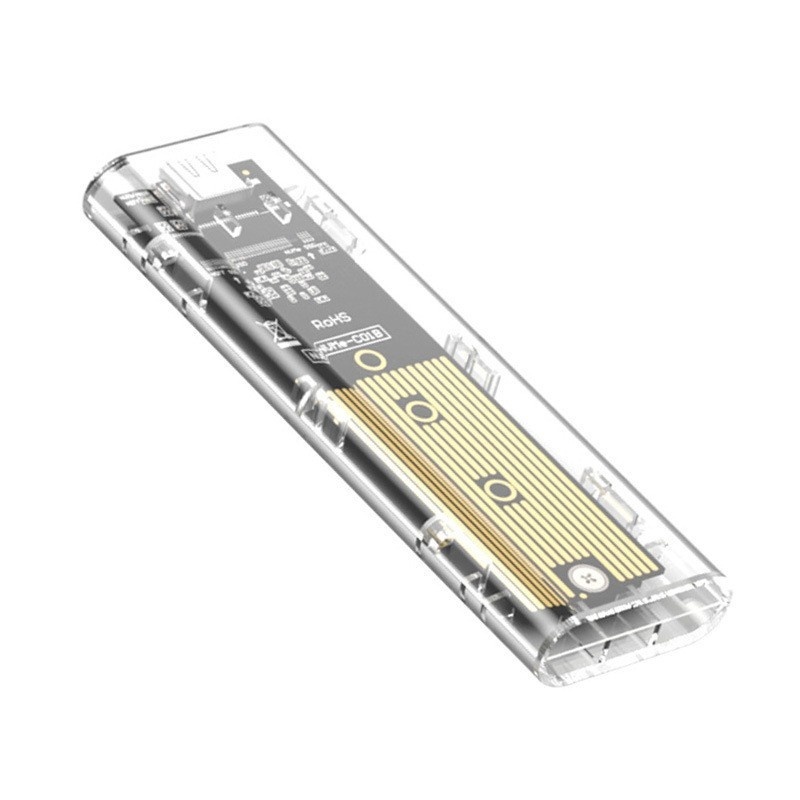
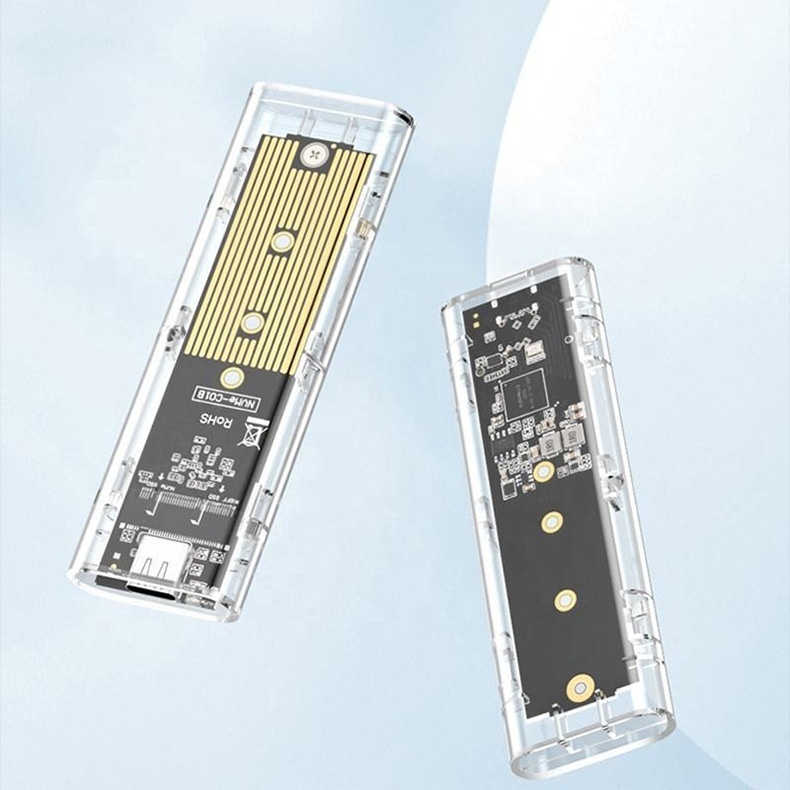
M.2 to USB Hard Drive Enclosure
$19.99
🤖 Nerdy Support
📖 Secure Payments
🚚 Shipping Included
🔰 60-Day Money Back Guarantee
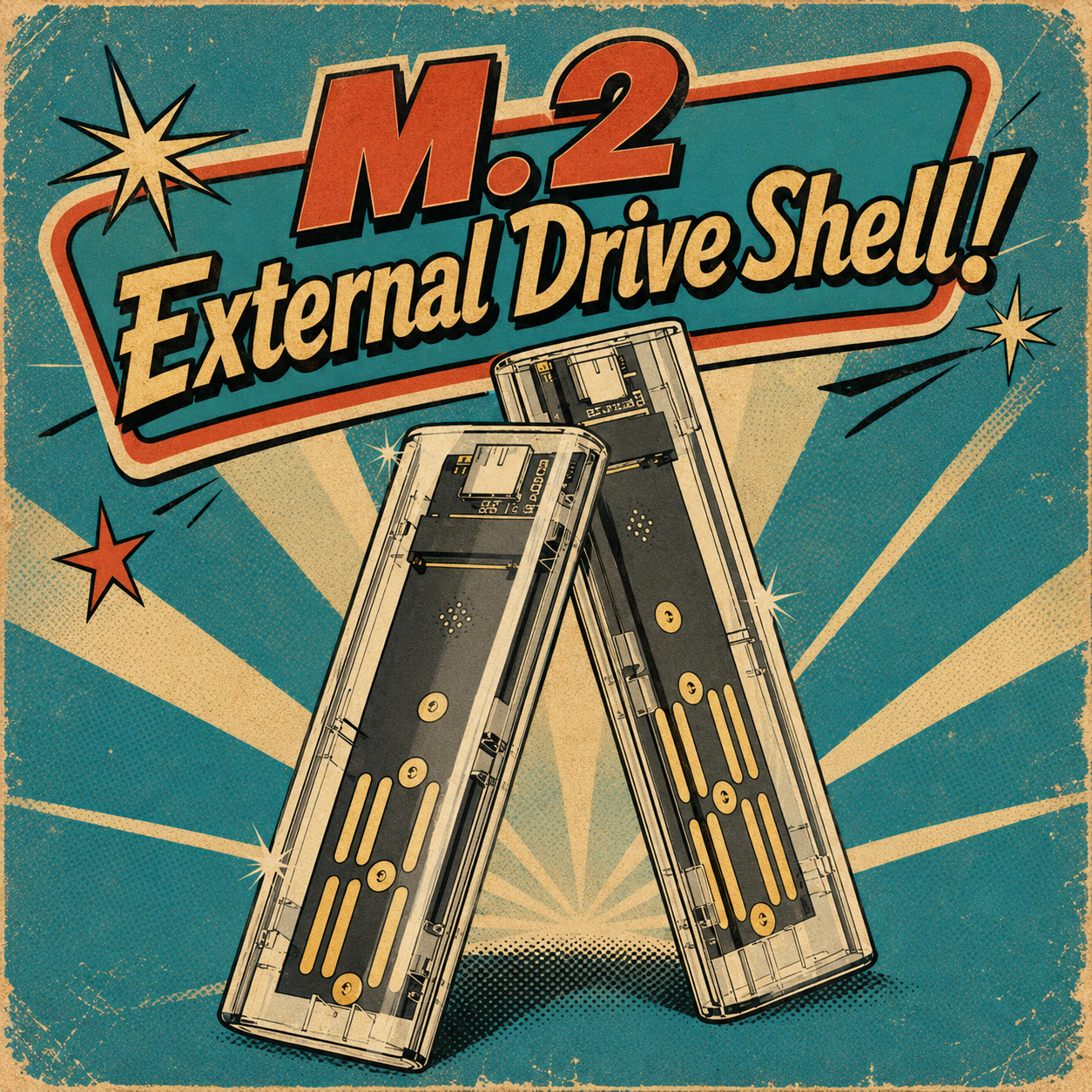
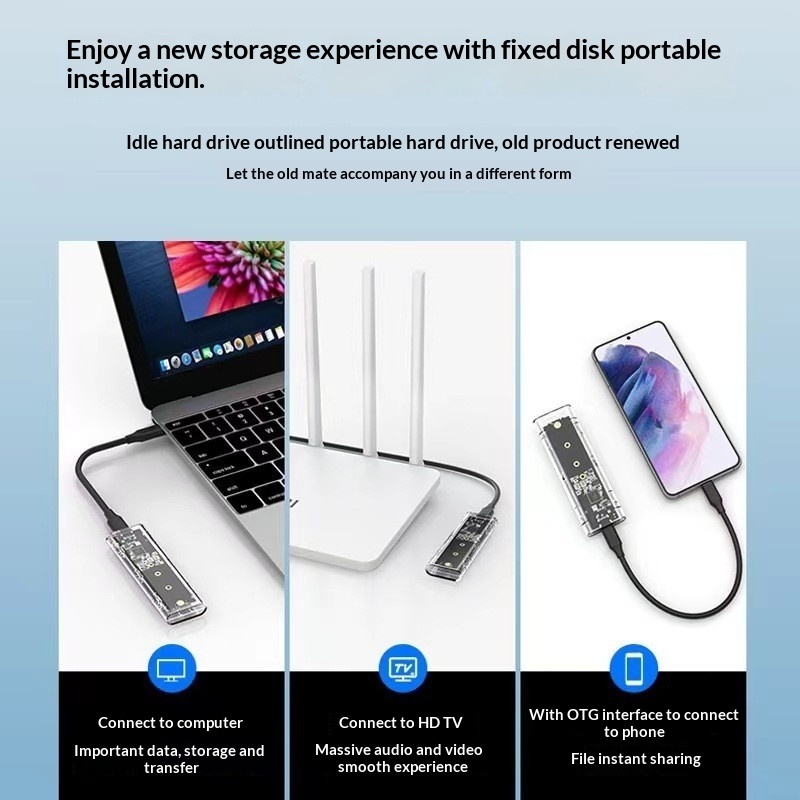
An M.2 external drive enclosure lets you turn an M.2 SSD into a portable external storage drive. You can use it to back up files, move photos and videos, or reuse an M.2 SSD from another computer.
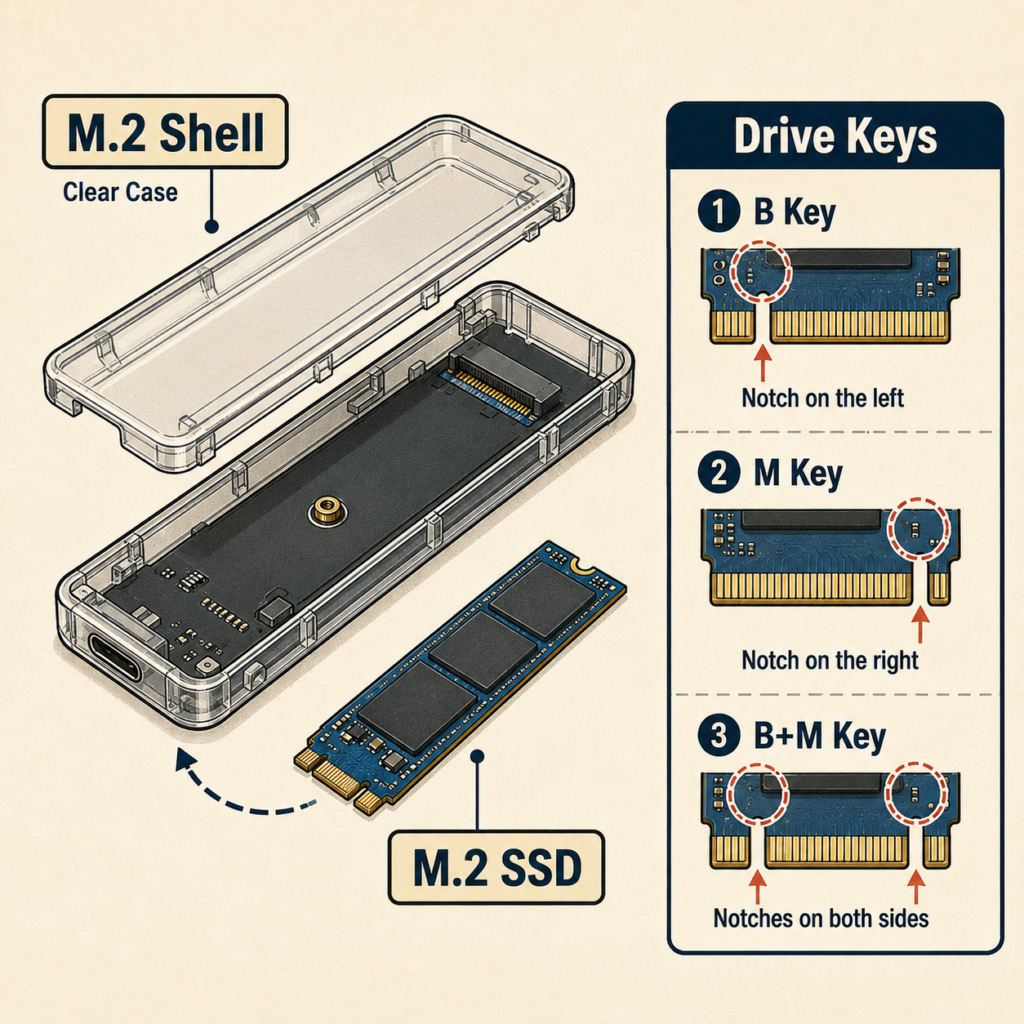
What is a M.2 Shell?
An M.2 shell, also called an M.2 external enclosure, is a small protective case that lets you install an M.2 SSD and use it like a portable external drive. The shell holds the SSD safely inside and connects it to your computer through a USB or USB-C cable. This is helpful if you want to reuse an old M.2 drive, back up important files, transfer data between computers, or add extra portable storage without installing the drive inside a computer.
Great for Tech repair shops, techie people, and for backup adapters to access data on M.2 drives.
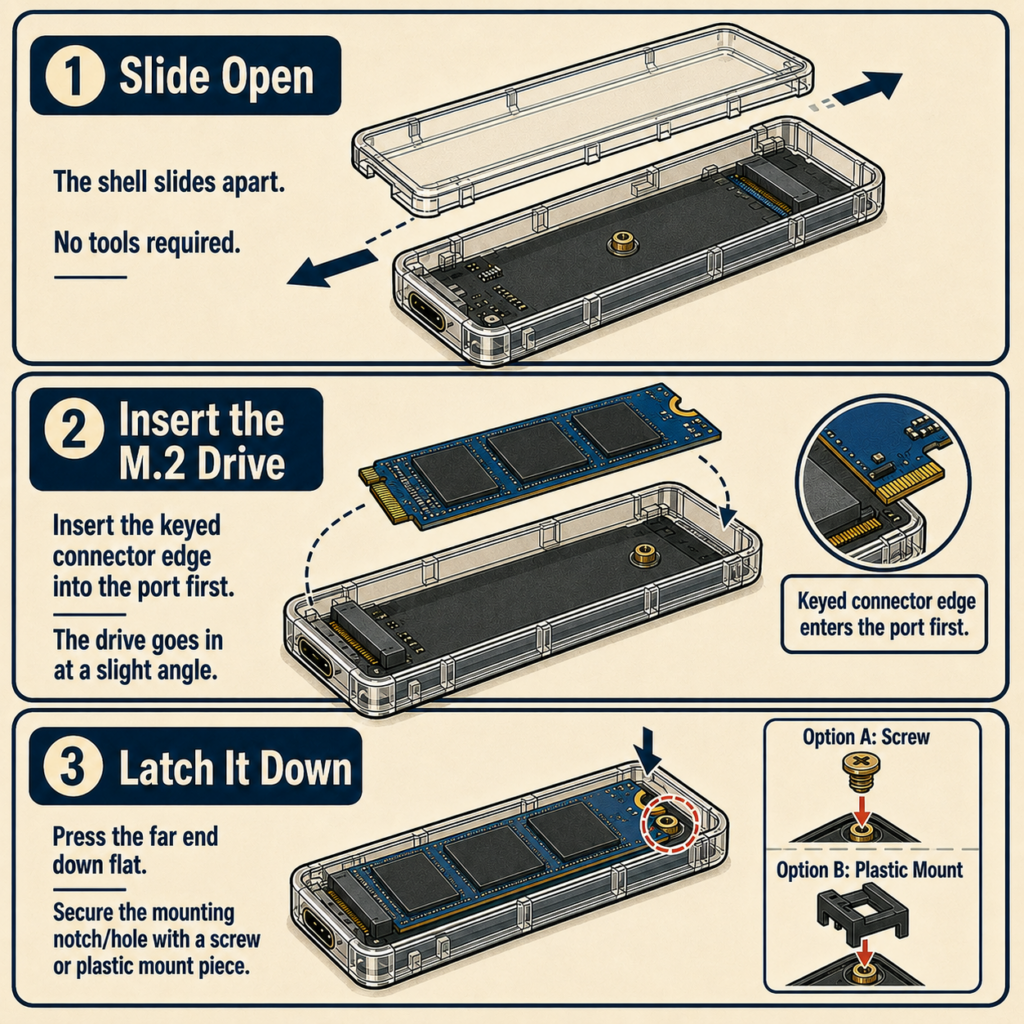
How to Use:
The shell slides apart so no tools are required to access the internals of the shell. Once opened the M.2 drive can be inserted into the shell. Place the side with the key into the port. Ensure the side with the notch in the center is latched down with either a screw or plastic mount piece.
Once installed, the M.2 SSD should show up on your computer like a regular USB storage drive. You can drag and drop files, copy folders, and safely eject it when finished.
Specifications:
Included in the package are:
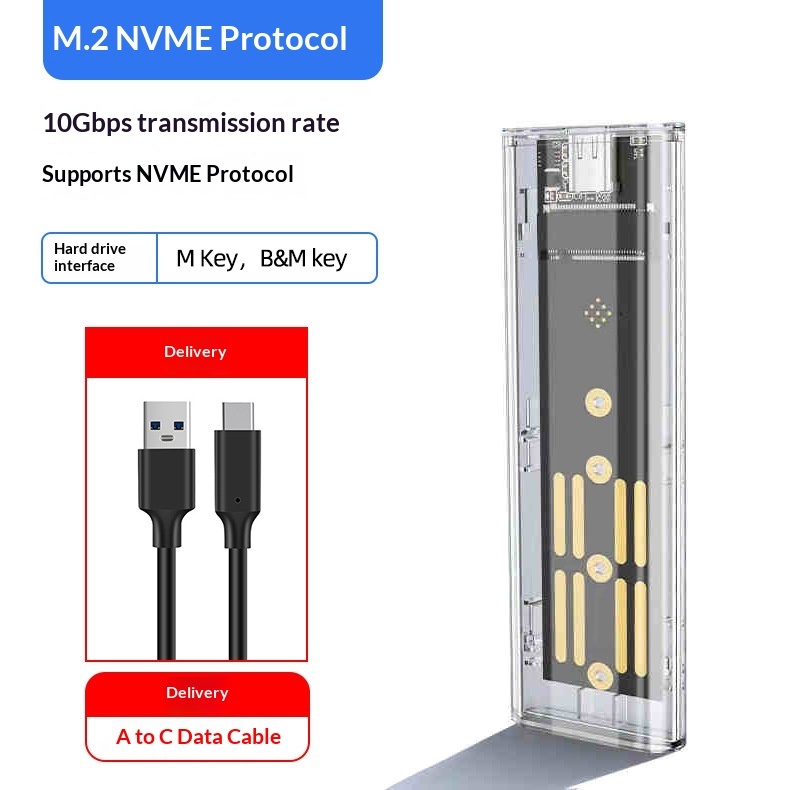
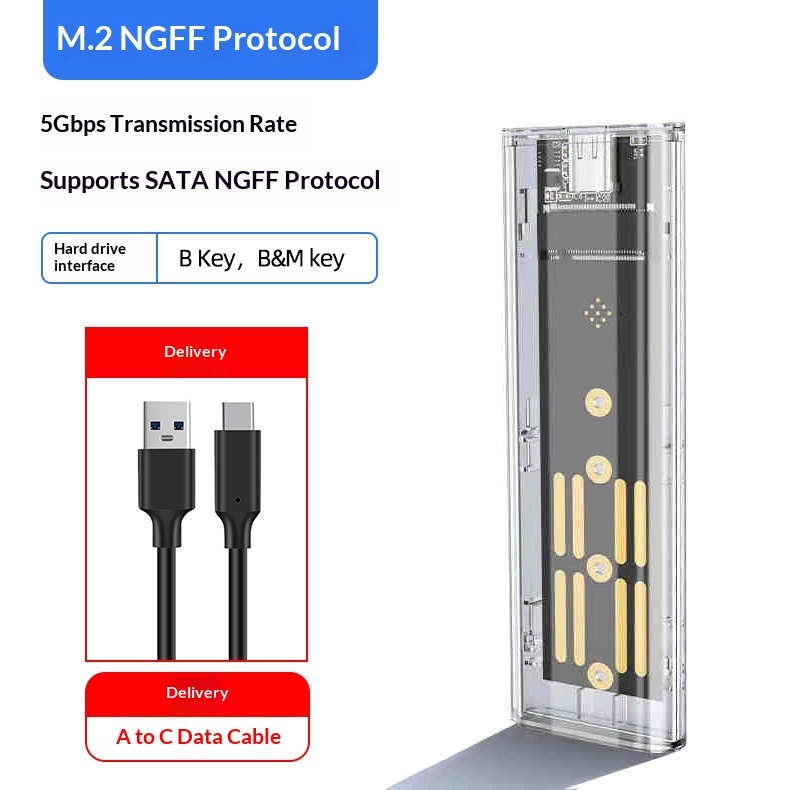
1x Drive Enclosure (Clear)
1x USB-C to USB-A Data Transfer Cable
Additional Information:
- Shell Dimensions: 103 x 32 x 11 mm
- NVMe Protocol
- Supports up to 4TB of storage
- M.2 DRIVE IS NOT INCLUDED

FAQ:
We offer a 60-day return window on all products. If you are not completely satisfied with your purchase, you can return it within 60 days for a full refund. Please make sure the product is in its original condition.
After purchase please allow for 1 – 3 days for processing. You will receive an email when we push your order to our supplier. Then at the moment – shipping usually takes 7 – 9 days.
Check out our FAQ section located in the footer of our website. Here we cover common questions. An account is required to make product reviews.
No. While we would love to provide you with tech support, you do not need a customer account to make purchases.
If you have further questions please check out our dedicated FAQ which can always be found in the footer of our website below! If you do not see a good answer in our FAQ section feel free to fill our our contact form also located in the footer.
About:
As the Family Nerd, my goal is to help non-techie people learn about, and find, the tech that they need. We do this by providing as much information as we can from a Nerdy standpoint. This includes common issues seen with family and friends.
| Style | NVME |
|---|