
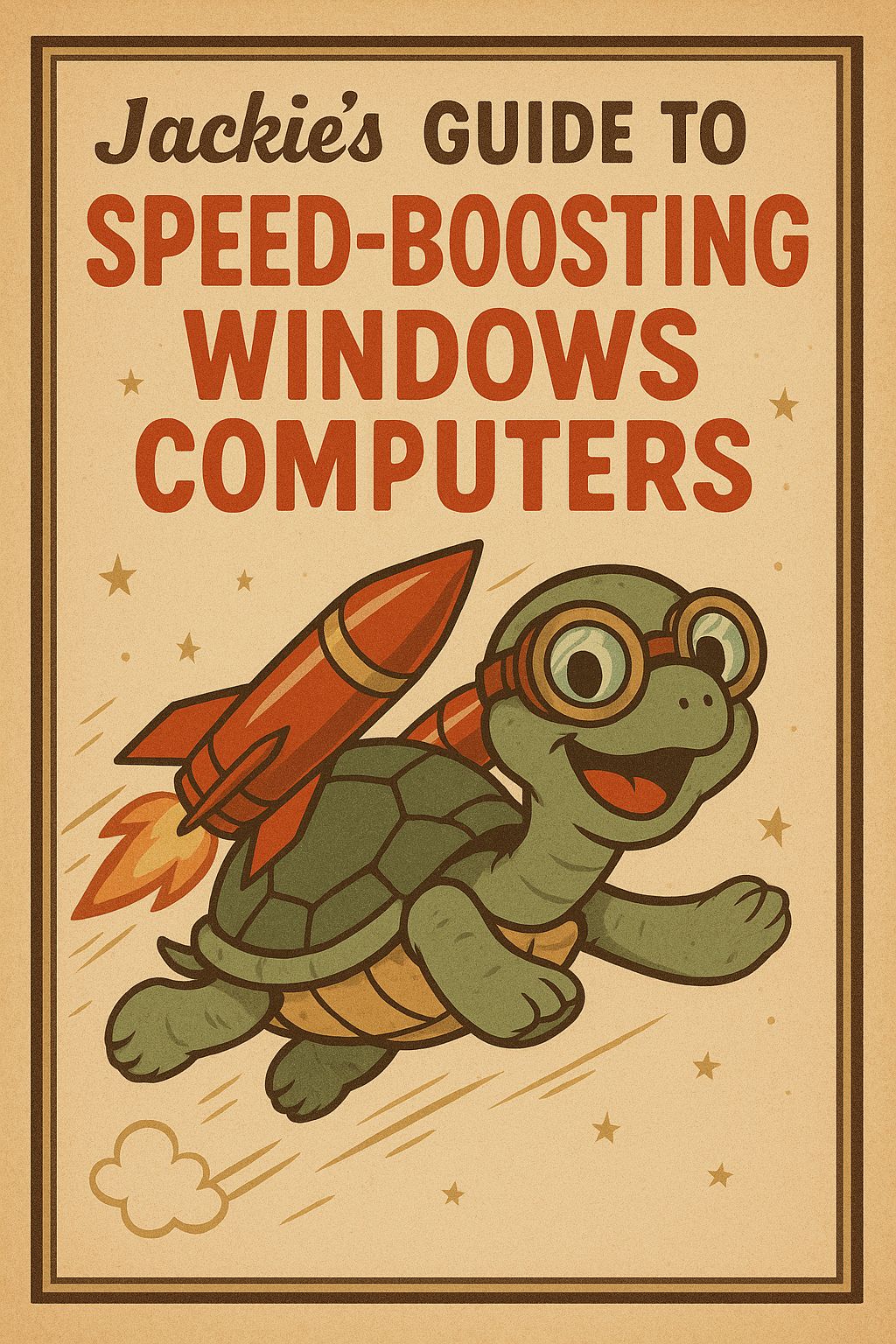
Jackies Guide to Speed-Boosting Windows Computers
Original price was: $24.99.$14.99Current price is: $14.99.
💾 No Bloat
🤖 Nerdy Support
📖 Secure Payments
📥 Onetime Digital Download
🔰 Two Bonus Chapters Included
In stock
Is your Windows computer running slower than it used to? You’re not alone. Over time, Windows systems can become bogged down by unnecessary programs, background processes, outdated drivers, and bloated settings. But the good news is, often-times you don’t need to be a tech expert to fix it. In this 14 chapter book, you’ll learn practical, step-by-step methods to speed up your slow Windows computer, clean up system clutter, optimize performance, and breathe new life into your machine—no expensive upgrades required.

Skills You Will Learn:
- How Hardware affects computer speed.
- How to stop programs from automatically starting at system boot-up.
- How to uninstall unnecessary programs to include bloatware
- Check for system updates
- Learn about WiFi vs Ethernet connection speeds
- How to Scan for viruses
- Common Web-Browser Mistakes
- Reduce Background Tasks
- Disable Widgets & unnecessary visual effects.
- And More!
This guide is created with Windows 11 as its main target to Speed-Boost. Older Windows PCs can still use the concepts in this guide but keep in mind that the steps may be different.
Who is this Book For?
This book is for anyone who feels frustrated by a slow, unresponsive Windows computer but doesn’t know where to start. Whether you’re a student, remote worker, small business owner, or casual user, this guide is designed with you in mind. You don’t need to be tech-savvy or have advanced computer knowledge—each step is written in plain language with clear instructions. If you want to learn skills to Speed-Boost your PC, make more efficient, and easier to use without paying for expensive tech support or hardware upgrades, this book is for you.

🔰 Bonus Chapters!
Included are two bonus chapters – designed to help support readers in implementing this book.
Split-screen
Learn how to “Snap” program windows to set up Split-screen to make other chapters easier to follow. This is one of the most useful computer skills to know!

Magnifier
I often provide one-on-one training with people who have bad, or declining, eyesight. So a chapter is dedicated to helping users increase text and icon size.
Sneak Peak:
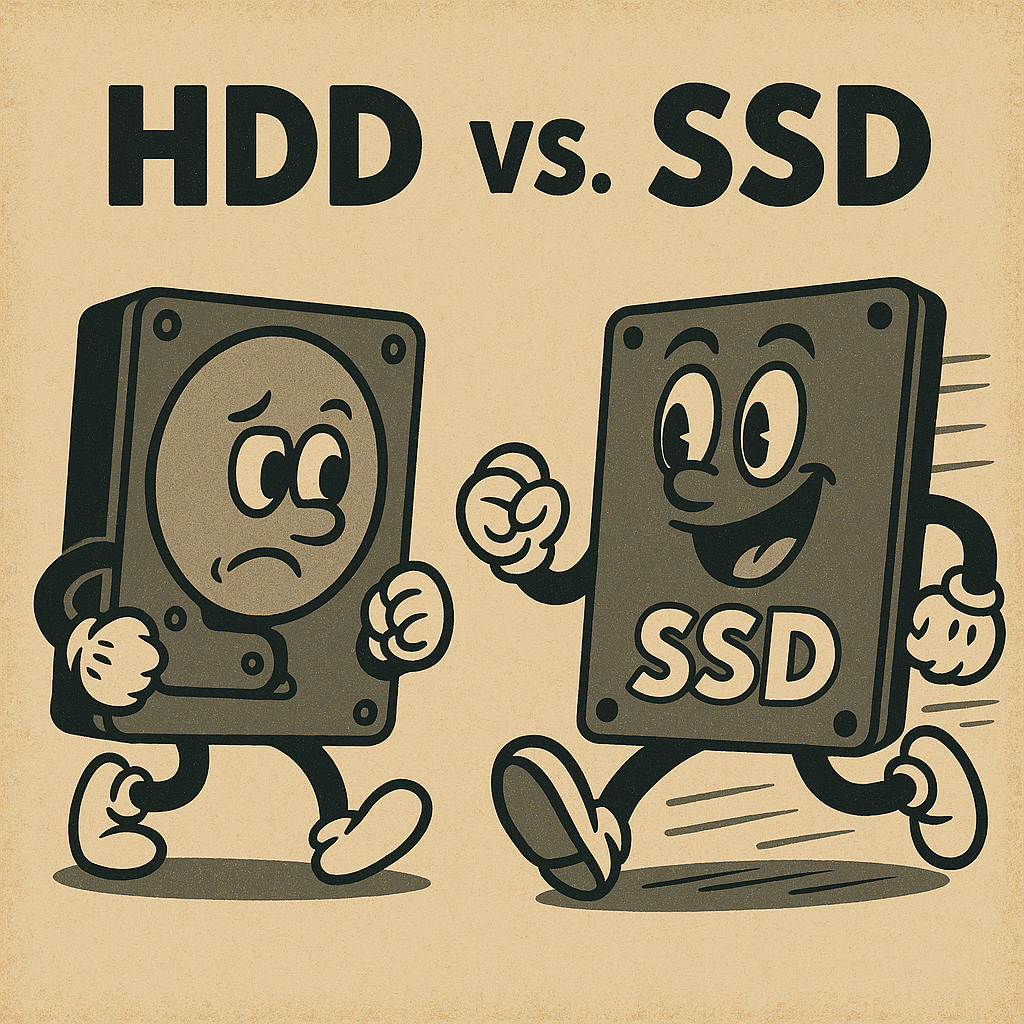
While this guide does not cover how to upgrade an HDD to an SSD, or NVMe, it is important to know which type is in your computer. HDDs are slow and will be the bottleneck for your PC. They are not installed in newer computer models but are commonly found in older computers – I still see them all the time. Newer computers will have either an SSD or an NVMe – in which case you will not need to worry about this.
To determine whether a PC has an HDD or SSD, you can check visually. Drives will oftentimes state if they are HDD or SSD on a sticker.
You can also verify through the operating system. On Windows, open Task Manager by pressing Ctrl + Shift + Esc or press the Windows Key on the keyboard and type in Task Manager, then go to the Performance tab and select the Disk section—look under the disk name for labels like “HDD” or “SSD.”
Following the steps in this guide can still help if your computer has an HDD but you will defiantly want to upgrade to an SSD.
Every now and then Task Manager will not display the drive type.
More can be learned in my book!
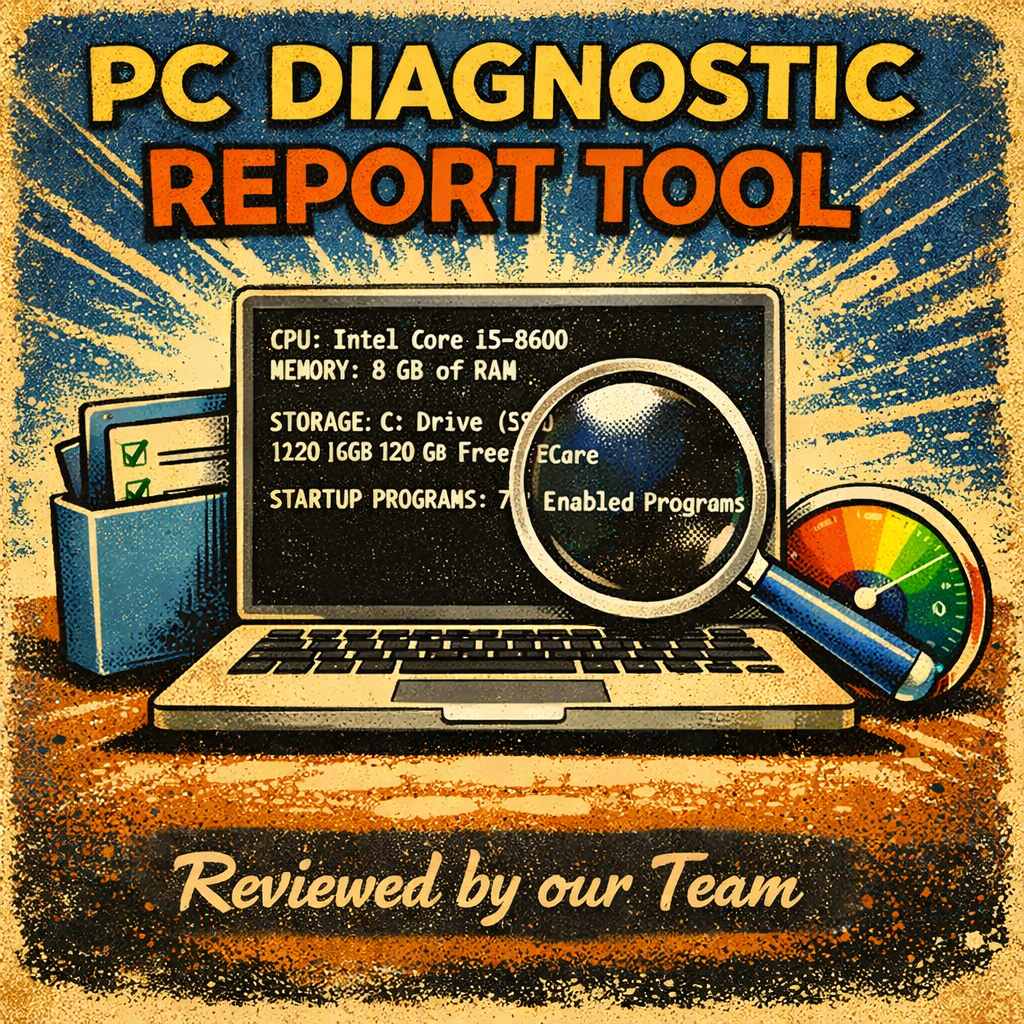
PC Diagnostic Reporting Tool:
Jackie’s PC Diagnostic Reporting Tool is a software utility designed to analyze a computer’s hardware and system performance and then generate clear, organized reports about the PC’s condition.
Simply Download, unzip, Click, and email the report to our team for a custom tailored plan for your PC.
Subscribe!

Subscribe to Our Newsletter!
Stay up to date with new books, AI & Robot News, and more!
Subscribing is treated seperate from Customer Accounts.
What People Say:
Helpful Read
★★★★★
I’v known Jackie for years and he has always helped me with my tech issues when I had no idea what was going on!
Sarah K.
Speed-Boost My PC in no-time!
★★★★★
I followed the steps in this book and my slow Windows laptop runs super fast now. Super clear instructions and great info – perfect even if you’re not a tech person! Pictures included!
James D.
Simple and it Works!
★★★★★
I spent over $200 at a local tech shop that did not fix my Slow computer. I wish that I had known about this book beforehand. This book helped me identify the issue that the tech shop failed to correct.
Megan P.
FAQ:
Physical Products have a 60-Day return policy. Digital products can be returned if they have not been downloaded. Once downloaded they are non-refundable.
This book can be downloaded, as a PDF, right after purchasing. Customers can download from the receipt page. Simply click the button under the “downloads” section.
Check out our FAQ section located in the footer of our website. Here we cover common questions. An account is required to make product reviews.
Customers may buy products as a guest and are not required to create an account.
If you have further questions please check out our dedicated FAQ which can always be found in the footer of our website below! If you do not see a good answer in our FAQ section feel free to fill out our contact form also located in the footer.
About:
As the Family Nerd, my goal is to help non-techie people learn about, and find, the tech that they need. We do this by providing as much information as we can from a Nerdy standpoint. This includes common issues seen with family and friends.